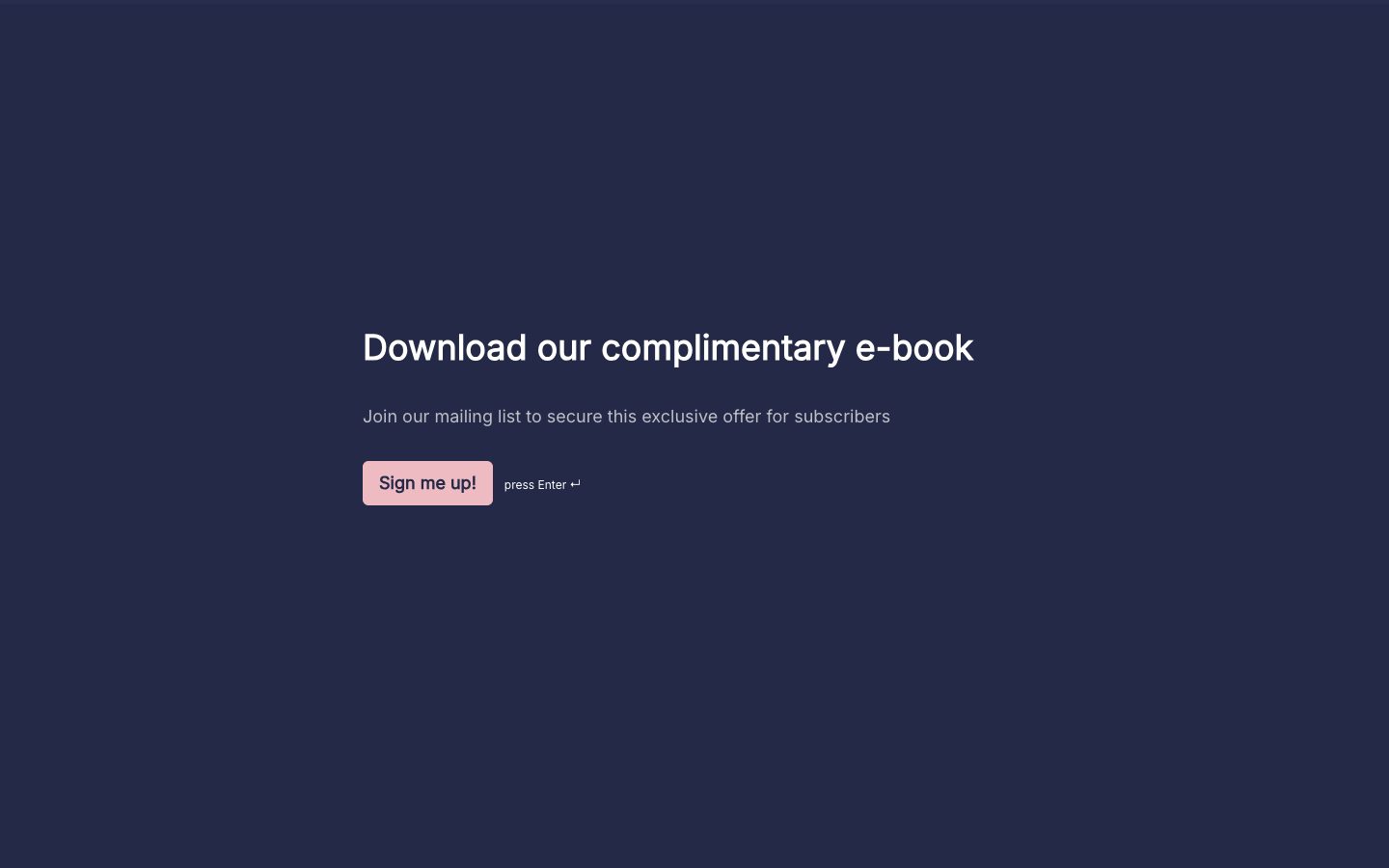
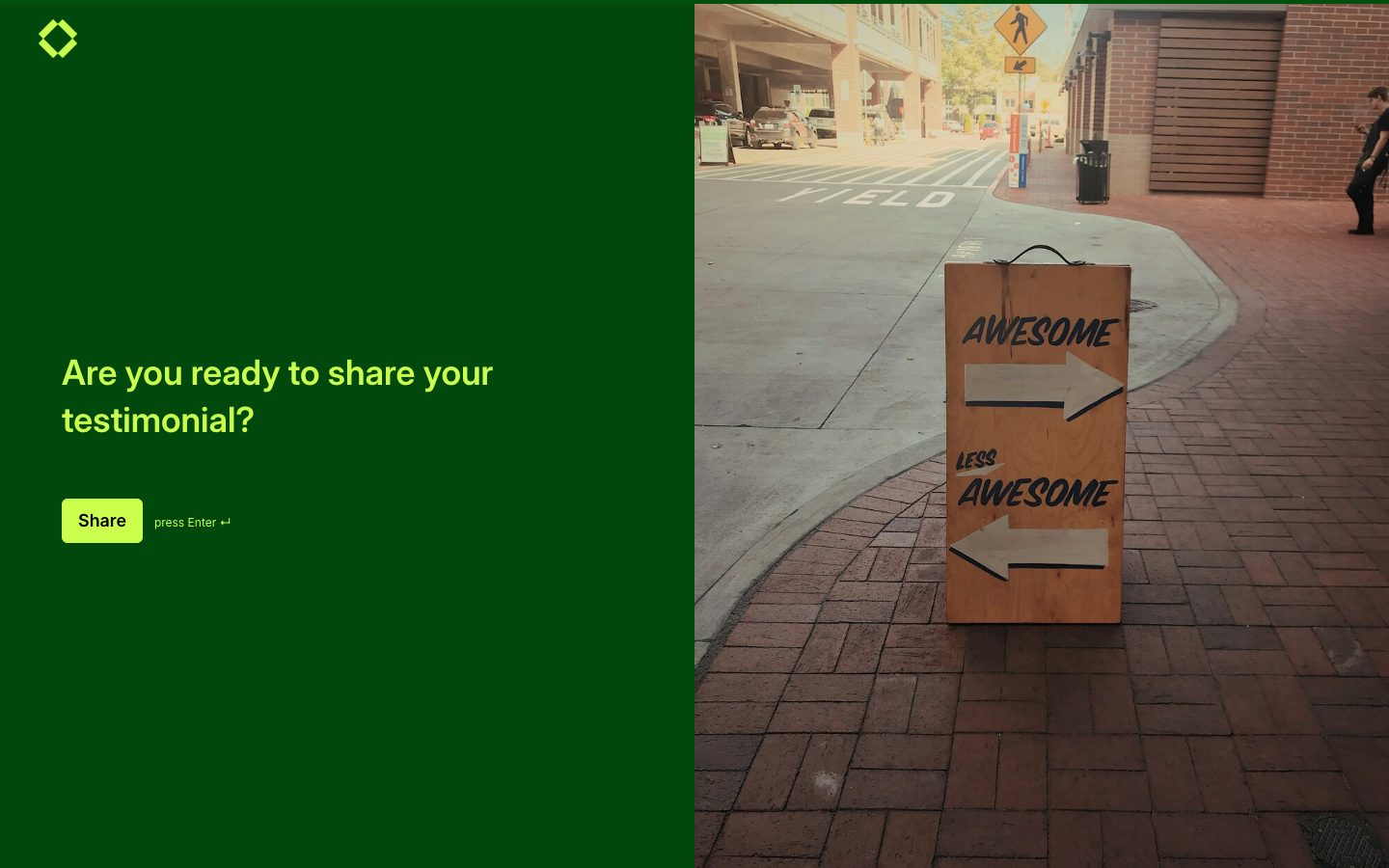
Choose a form for the job in front of you: answer an enquiry, register a participant, collect an application, or gather feedback. These free online form templates are ready to customize in Youform. Browse the cards below, then change the questions to suit your process.
A form template is a reusable starting point for collecting information. It supplies a structure you can edit rather than a finished business process. You still decide which fields are needed, who reviews replies, and what happens next.
How to Choose the Right Form Template
Choose by the action you need to take after submission. Use contact forms for messages, applications for reviewed eligibility, and order forms for a defined purchase request. A shorter, well-matched form beats a comprehensive form nobody finishes.
What Types of Form Templates Are Available?
Browse the form families below to find a practical starting point. Each template can be adapted, but the actual preview is the best guide to what you are copying.
Contact Form Templates
Give visitors a simple way to ask a question and receive a reply.
Registration Form Templates
Collect participant details for a named event, class, or program.
Application Form Templates
Gather consistent evidence for an eligibility or selection decision.
Capture prospect needs alongside contact details for useful follow-up.
Feedback Form Templates
Ask about a specific experience and what could improve.
Order and Request Form Templates
Record a defined order or a request needing review; keep payment and approval status explicit.
Which Form Template Should You Use?
For a price enquiry, choose a quote form; for a confirmed scope, start with an order form. For interest in an offer, use lead generation. For opinions rather than an operational request, browse survey templates.
What Fields Should You Include in an Online Form?
Collect a reference or name where needed, a way to reply, the purpose of the request, and the details that change your next step. Use date or number fields for structured information and a short comment for exceptions.
How to Create an Online Form Using a Template
Open the most relevant template and copy it into Youform. Edit sample questions, set required fields carefully, and write a clear confirmation. Preview on desktop and phone, then publish and share the link.
How to Customize a Form Template for Your Business
Replace placeholders with your service names and response expectations. Use colors and built-in fonts that fit your website. Keep instructions close to the fields; custom logos, domains, and branding removal require Pro.
How to Use Form Templates for Lead Generation
Explain the offer, ask what the visitor needs, and collect a suitable reply address. Add a small number of qualification questions only if they affect follow-up. Keep optional marketing permission separate from the original enquiry.
How to Collect Useful Form Responses
Give examples where an answer might be ambiguous. Ask for a preferred date rather than implying a slot is reserved. Explain file requirements and let people say “Not sure” when your team can clarify later.
How Many Questions Should an Online Form Have?
There is no fixed ideal. Start with the fields needed to complete the next step, then remove anything your team routinely ignores. A signup may need only an email; a project request needs enough detail to assess scope.
How to Share and Embed an Online Form
Copy the published link into a message or add the embed code to your website. Test the full form at phone width and check the confirmation. Website embeds are included on Free; custom domains require Pro.
How to Organize Form Submissions
Review new submissions, assign an owner, and record status and follow-up dates in your chosen workflow. Connect Google Sheets if a shared queue helps. Integrations must be configured; a template does not automatically route or approve requests.
Best Practices for Creating an Effective Online Form
Use clear labels, short instructions, and only essential required fields. Test the form with a person unfamiliar with your process. Explain whether submission means receipt, approval, payment, or a request awaiting review.
Connect Google Sheets for a shared response list, or use Slack notifications to bring new submissions to your attention.
Start free with unlimited forms and responses, subject to fair use. See Youform plans and features for the details.
Frequently asked questions
What is a form template?
A form template is a reusable starting point for collecting information. It supplies a structure you can edit rather than a finished business process. You still decide which fields are needed, who reviews replies, and what happens next.
What types of form templates are available?
Browse the form families below to find a practical starting point. Each template can be adapted, but the actual preview is the best guide to what you are copying.
Contact Form Templates: Give visitors a simple way to ask a question and receive a reply.
Registration Form Templates: Collect participant details for a named event, class, or program.
Application Form Templates: Gather consistent evidence for an eligibility or selection decision.
Lead Generation Form Templates: Capture prospect needs alongside contact details for useful follow-up.
Feedback Form Templates: Ask about a specific experience and what could improve.
Order and Request Form Templates: Record a defined order or a request needing review; keep payment and approval status explicit.
Are these form templates free to use?
Yes. Copy a template with a free Youform account and customize it. Free includes unlimited forms and responses within fair use. Custom logos, domains, branding removal, and Stripe payments require Pro. See plans and feature limits.
Can I customize a form template?
Yes. Replace placeholders with your service names and response expectations. Use colors and built-in fonts that fit your website. Keep instructions close to the fields; custom logos, domains, and branding removal require Pro.
How do I create an online form using a template?
Open the most relevant template and copy it into Youform. Edit sample questions, set required fields carefully, and write a clear confirmation. Preview on desktop and phone, then publish and share the link.
What fields should I include in an online form?
Collect a reference or name where needed, a way to reply, the purpose of the request, and the details that change your next step. Use date or number fields for structured information and a short comment for exceptions.
How many questions should an online form have?
There is no fixed ideal. Start with the fields needed to complete the next step, then remove anything your team routinely ignores. A signup may need only an email; a project request needs enough detail to assess scope.
Can I use these templates for business forms?
Yes. Adapt a template for the business task, such as enquiries, client intake, or order requests. Keep the questions tied to the next action and configure review or integrations separately.
Can I create a contact form using a template?
Yes. Choose a contact template, collect a reply address and message, and explain normal response expectations. Embed it on your contact page or share its link.
Can I create a registration or application form?
Yes. Use a registration template for participation details or an application template for a review decision. Edit the questions and make clear whether submission is receipt or acceptance.
Can I use form templates for lead generation?
Explain the offer, ask what the visitor needs, and collect a suitable reply address. Add a small number of qualification questions only if they affect follow-up. Keep optional marketing permission separate from the original enquiry.
Can I add conditional logic to my form?
Yes. Configure conditional logic to show relevant questions or route respondents to suitable endings. Test each answer path, including skipped and unexpected choices. The template does not automatically create those rules for your use case.
Can I share my form using a link?
Yes. Publish the form and copy its direct link into an appropriate invitation, message, or website button. Check that you shared the respondent link rather than an editing link, and explain what the person should expect.
Can I embed a form on my website?
Yes. Publish your form and use Youform’s website embed option on the relevant page. Check the embedded version on a phone and provide a direct-link fallback. Ordinary embeds are included on Free; custom domains require Pro.
Can I connect form responses to Google Sheets?
Yes. Connect Google Sheets through the form’s integration settings and authorize the intended account. Verify the destination and field mapping before relying on it. New-response sync and transferring older responses are separate checks; see the Google Sheets guide.
YOUR WORDS. YOUR COLORS. YOUR NEXT GOOD THING.
A starting point. Make it your own.
Pick a template, add your personal touch, and put it out into the world.

 Preview template