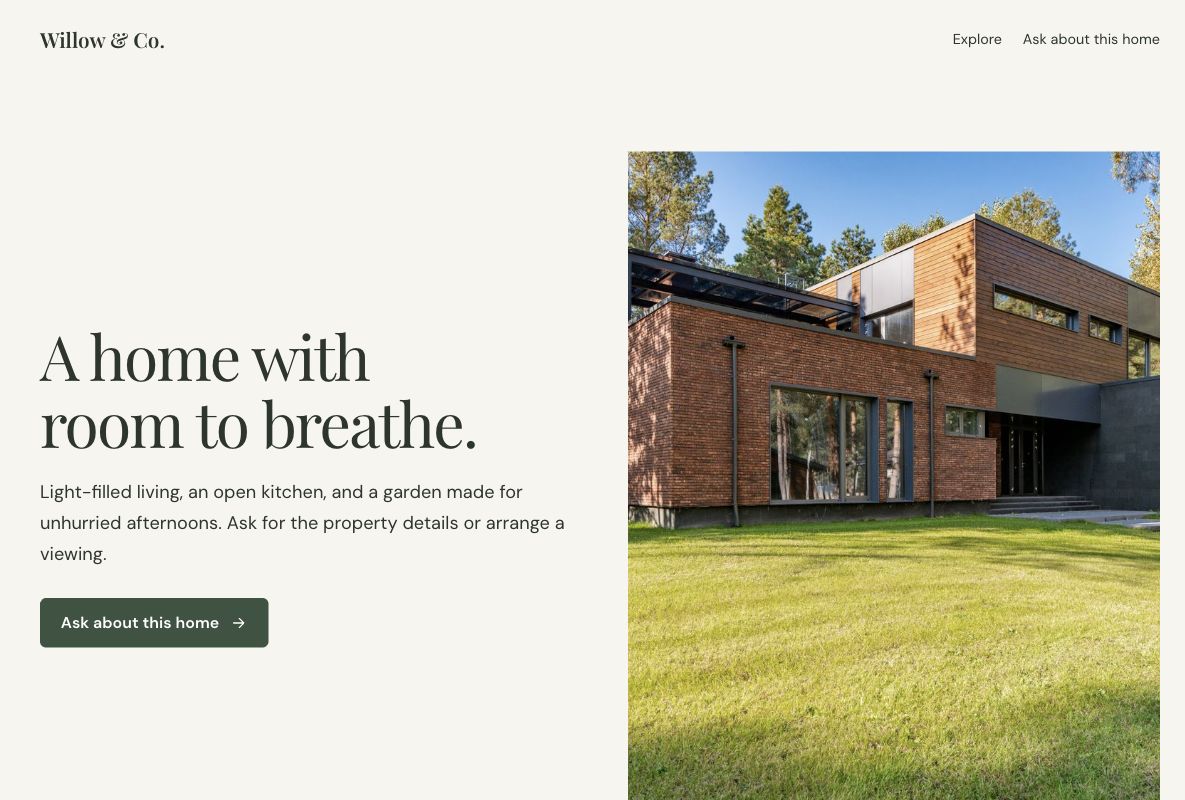
 Make this one yours
A property-led page that brings photography, useful details, and inquiries together.

Launch something, fill a room, or start a conversation. Find a design that feels like you, then make it yours.
A page. A connected form.
A good place to start.
Make this one yours
A property-led page that brings photography, useful details, and inquiries together.
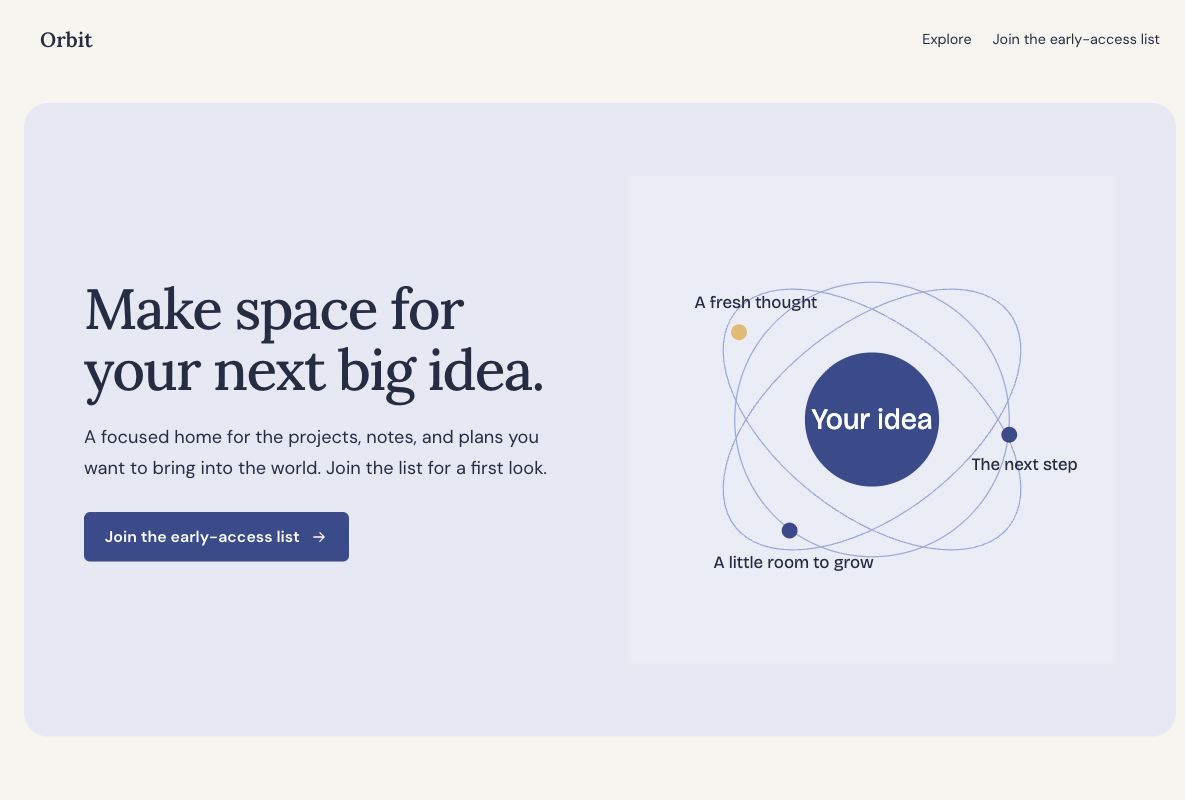 Make this one yours
A launch page with room to explain the idea before asking for an email.
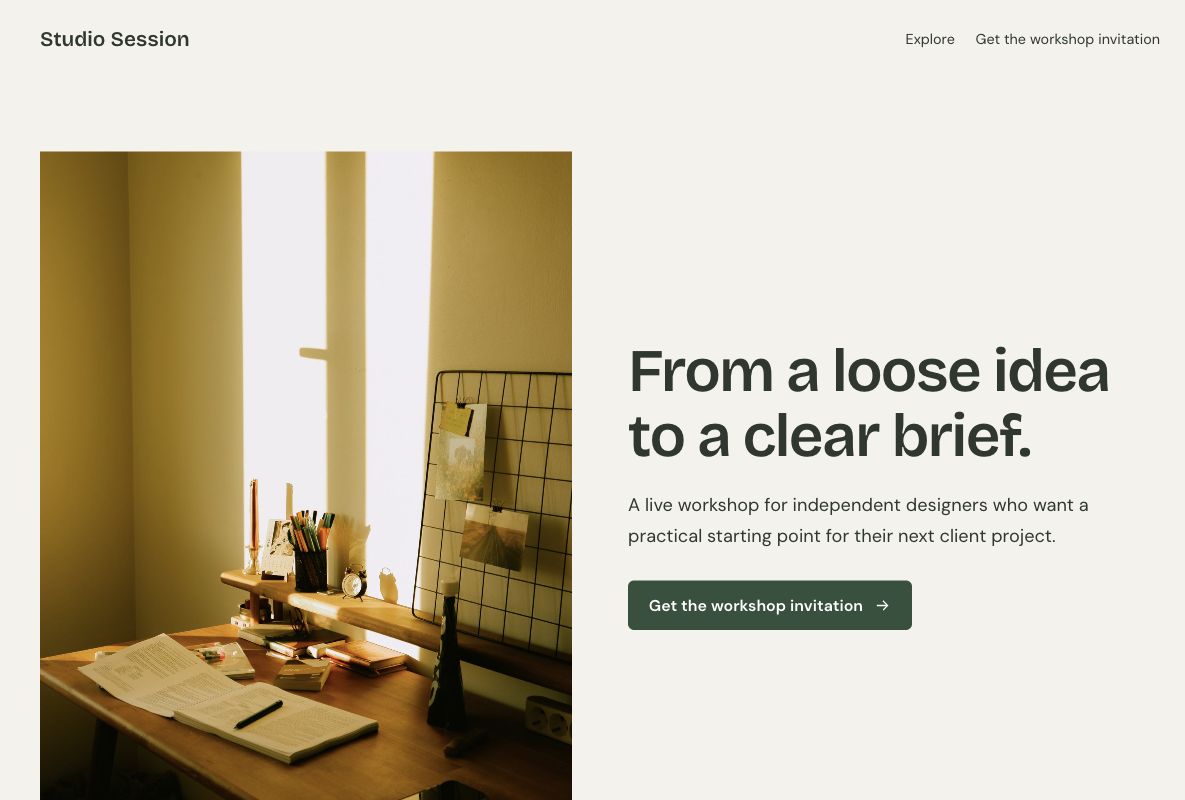 Make this one yours
An editorial registration page with learning outcomes and a short agenda.
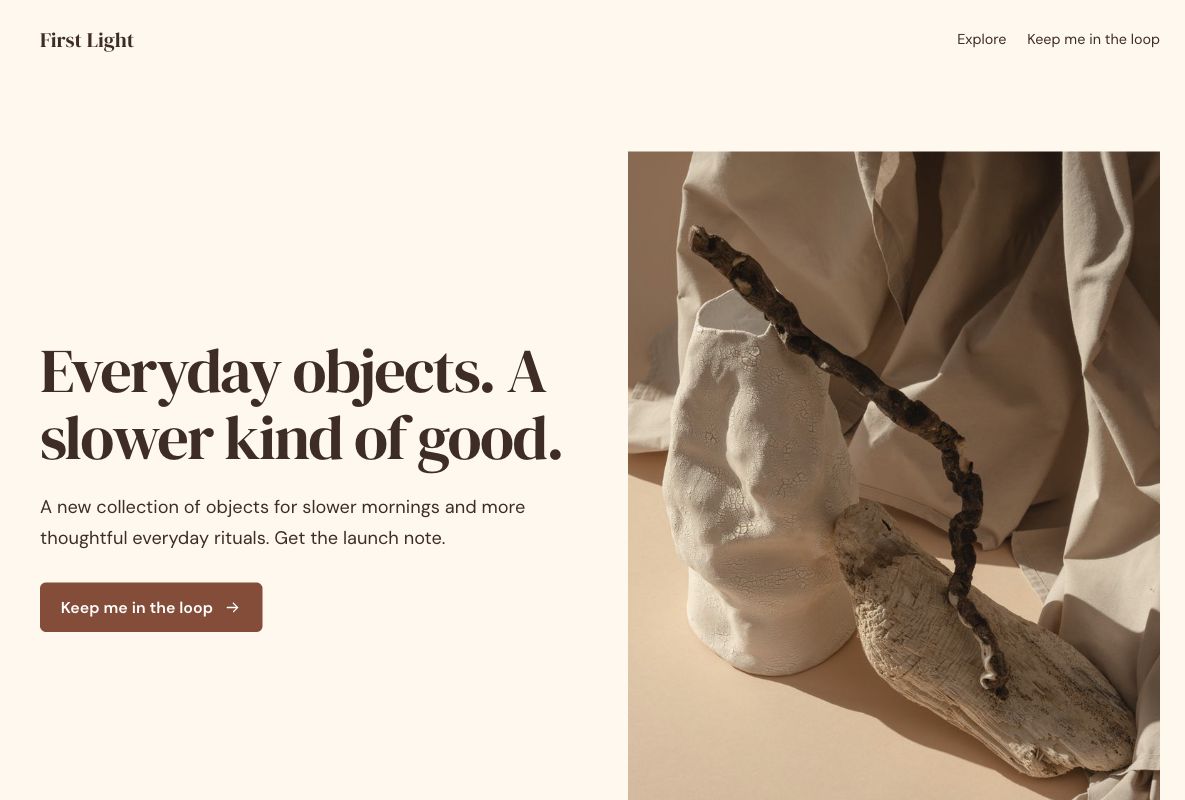 Make this one yours
A warm, concise launch announcement with an email signup.
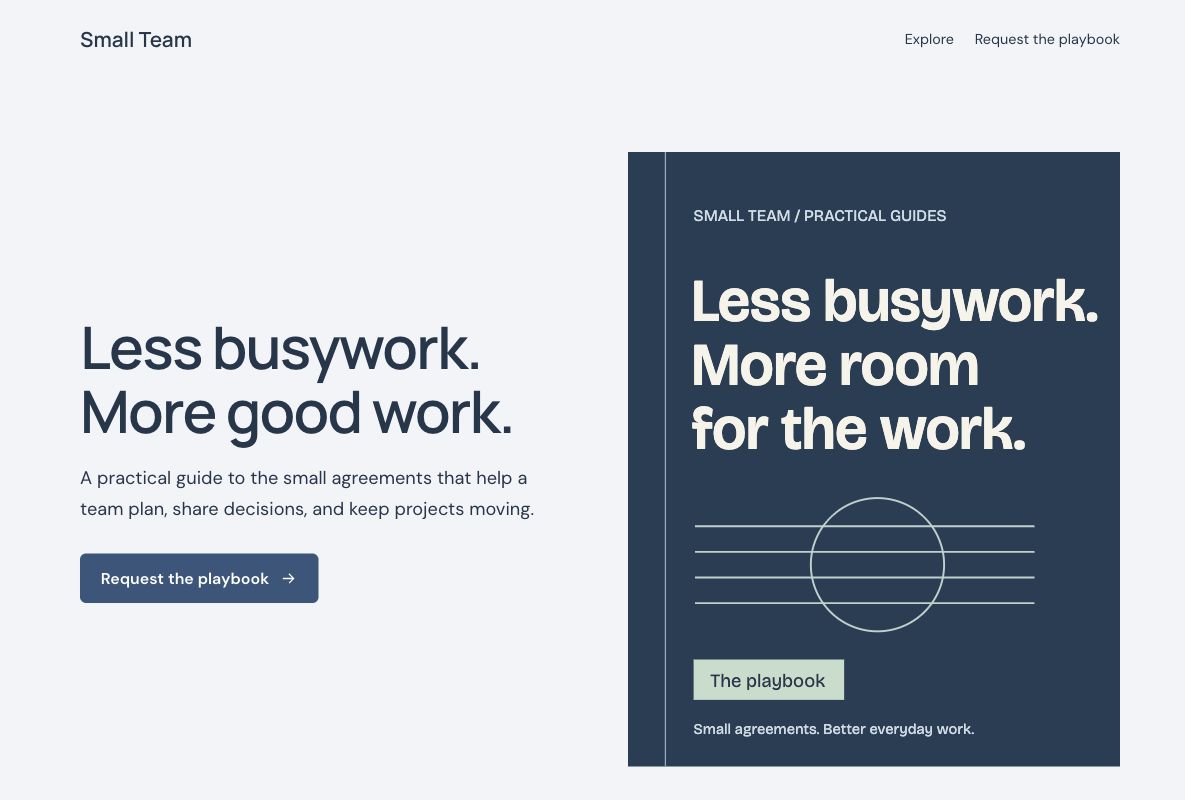 Make this one yours
An ebook page with a clear resource outline and a short lead form.
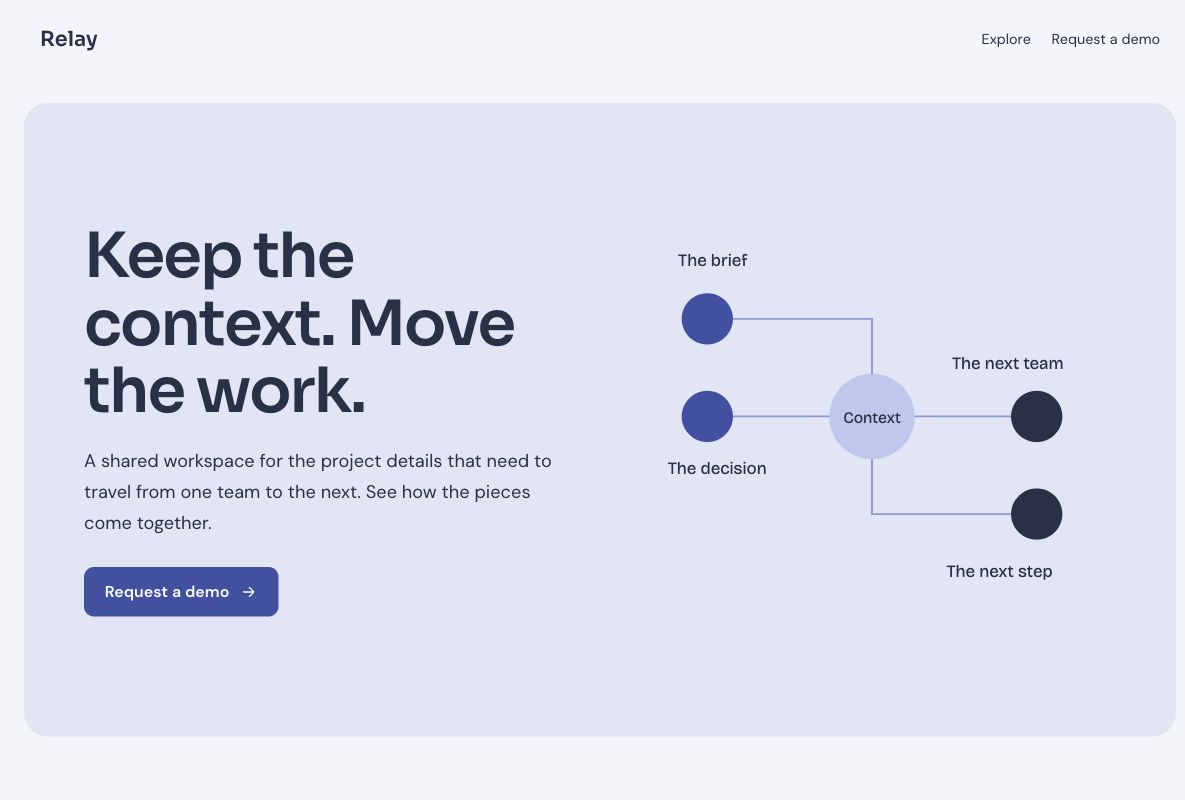 Make this one yours
A SaaS demo page focused on the workflow and a qualified inquiry.
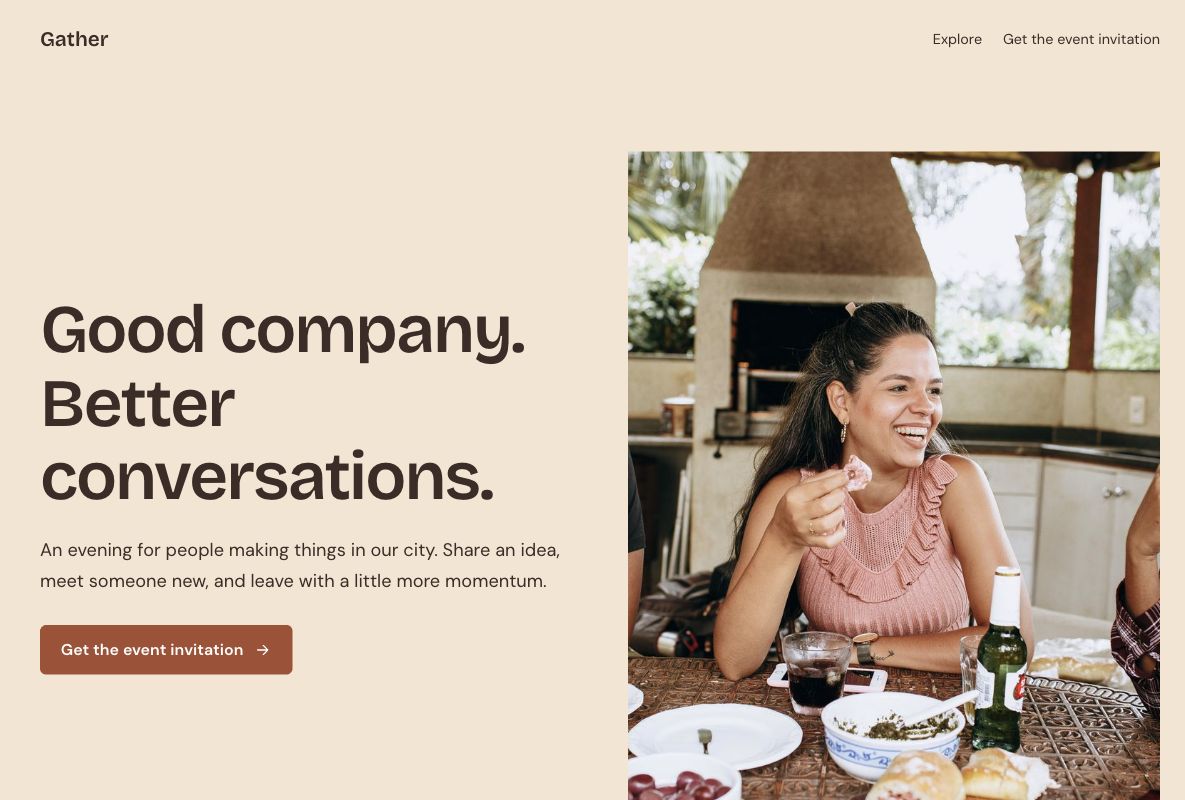 Make this one yours
A welcoming meetup page with an event outline and RSVP form.
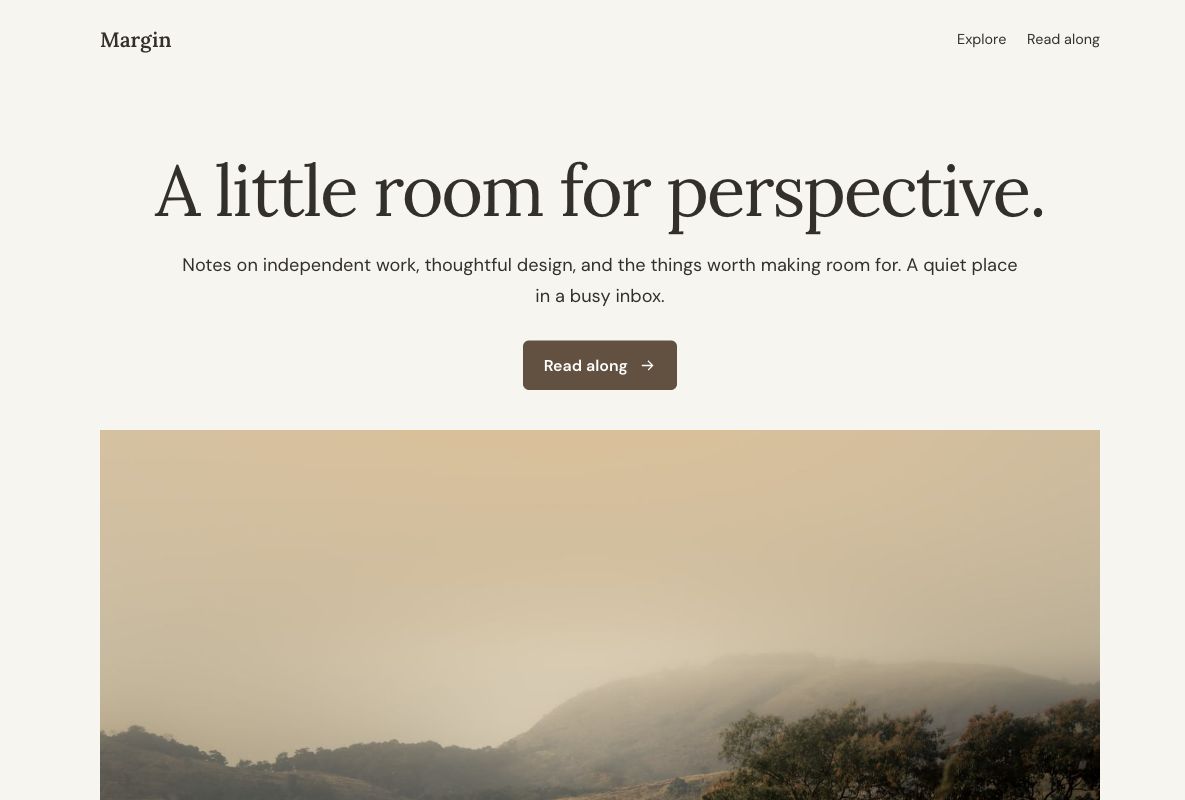 Make this one yours
An editorial newsletter signup with an uncluttered reading rhythm.
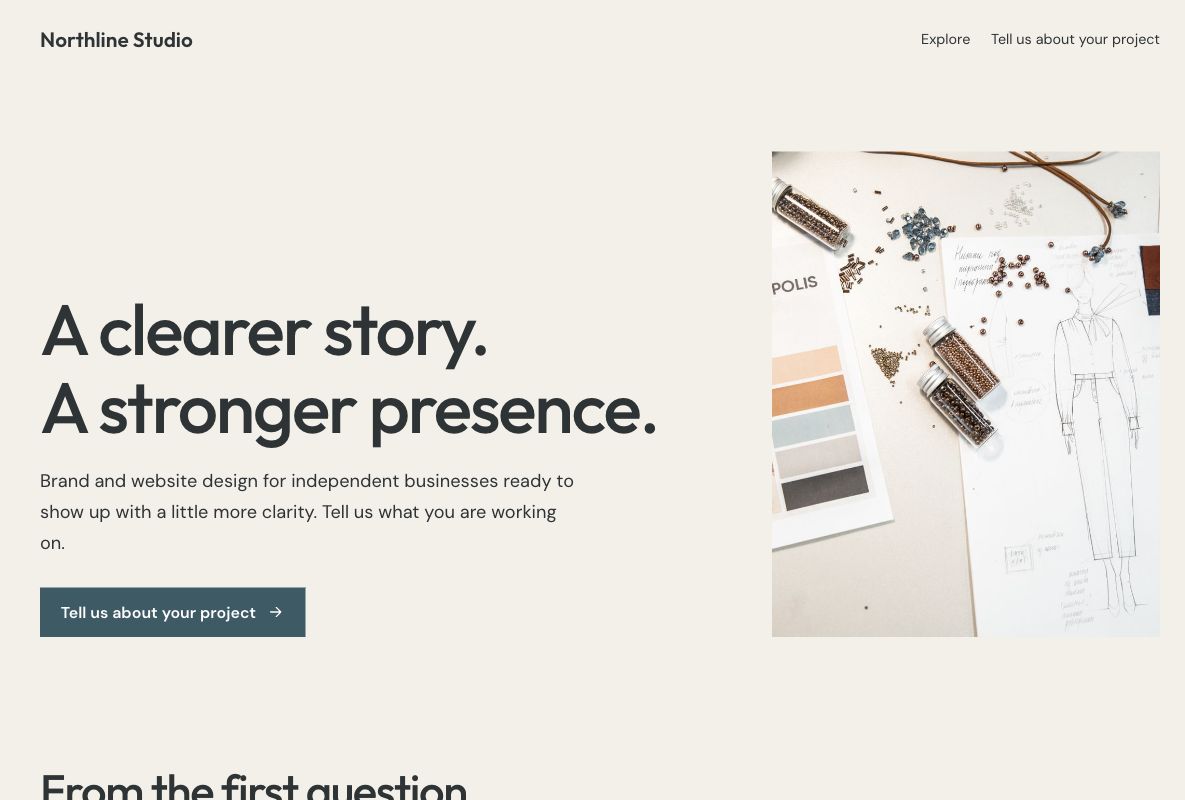 Make this one yours
A studio inquiry page with services, approach, and a project brief form.
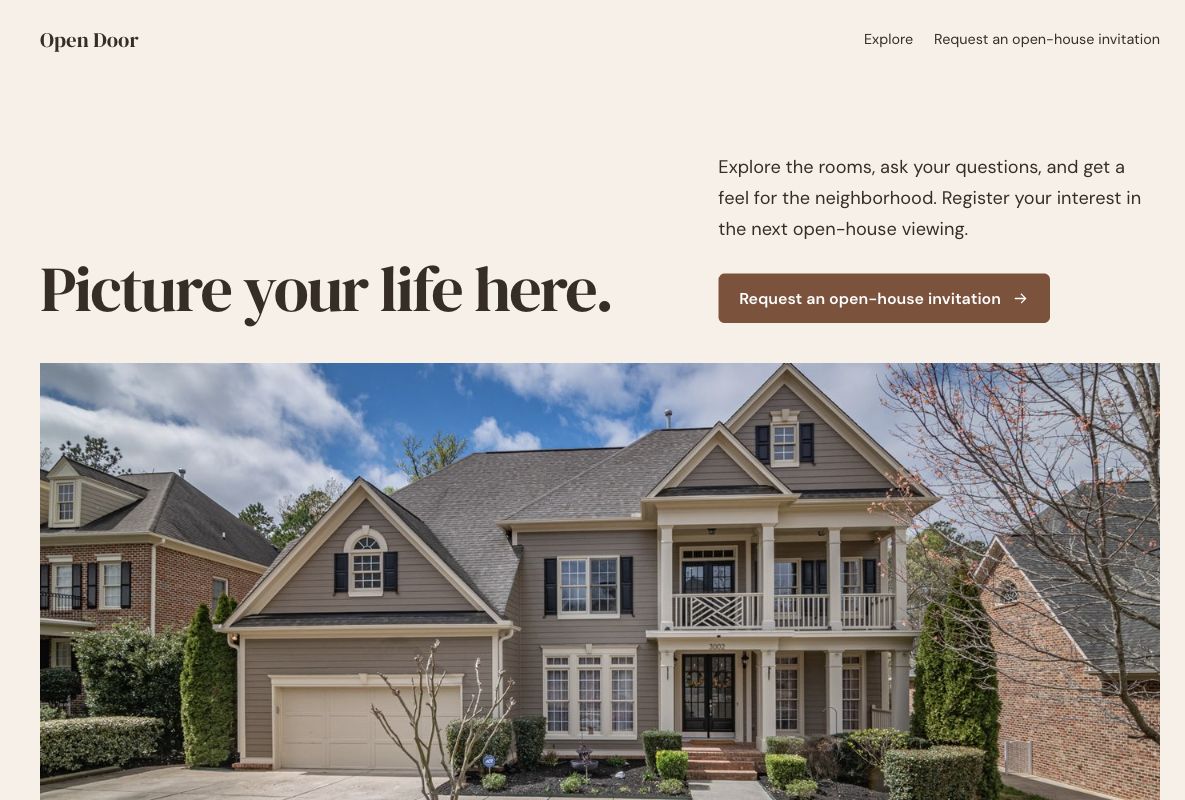 Make this one yours
A photo-first open-house page with a simple registration form.
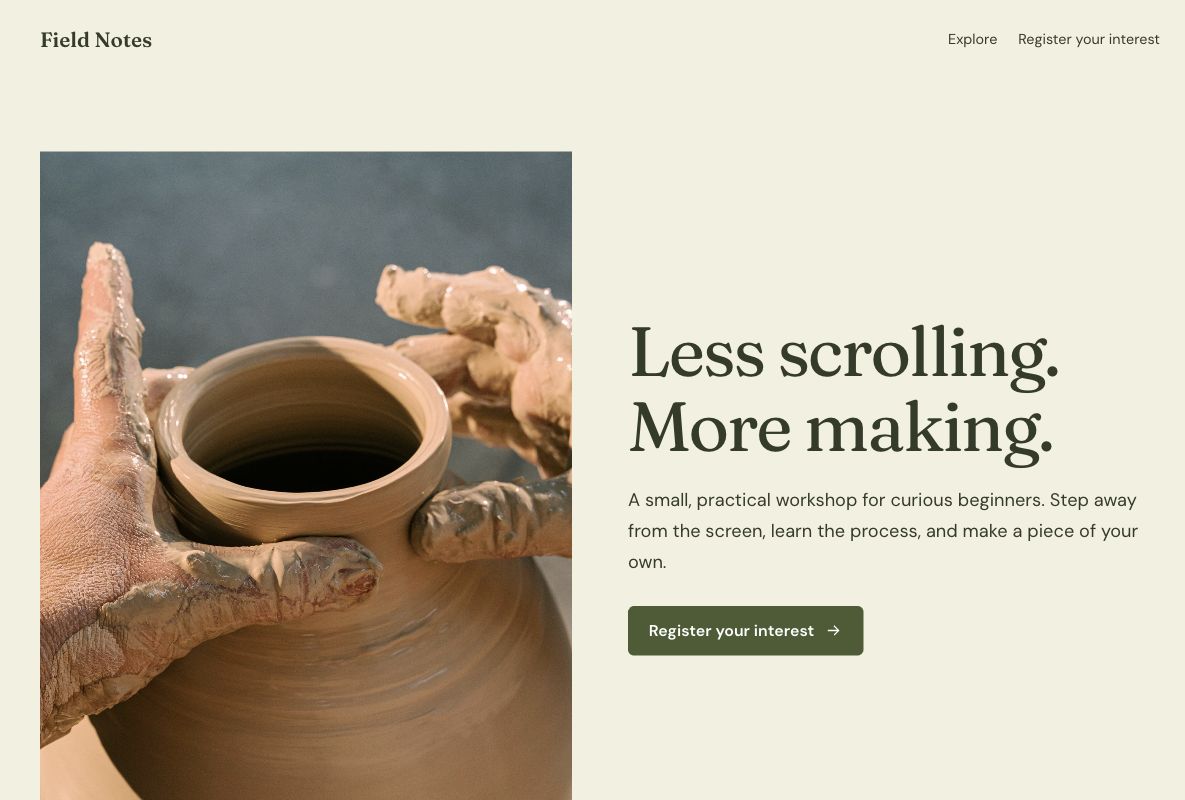 Make this one yours
A tactile workshop invitation with the learning experience and registration in view.
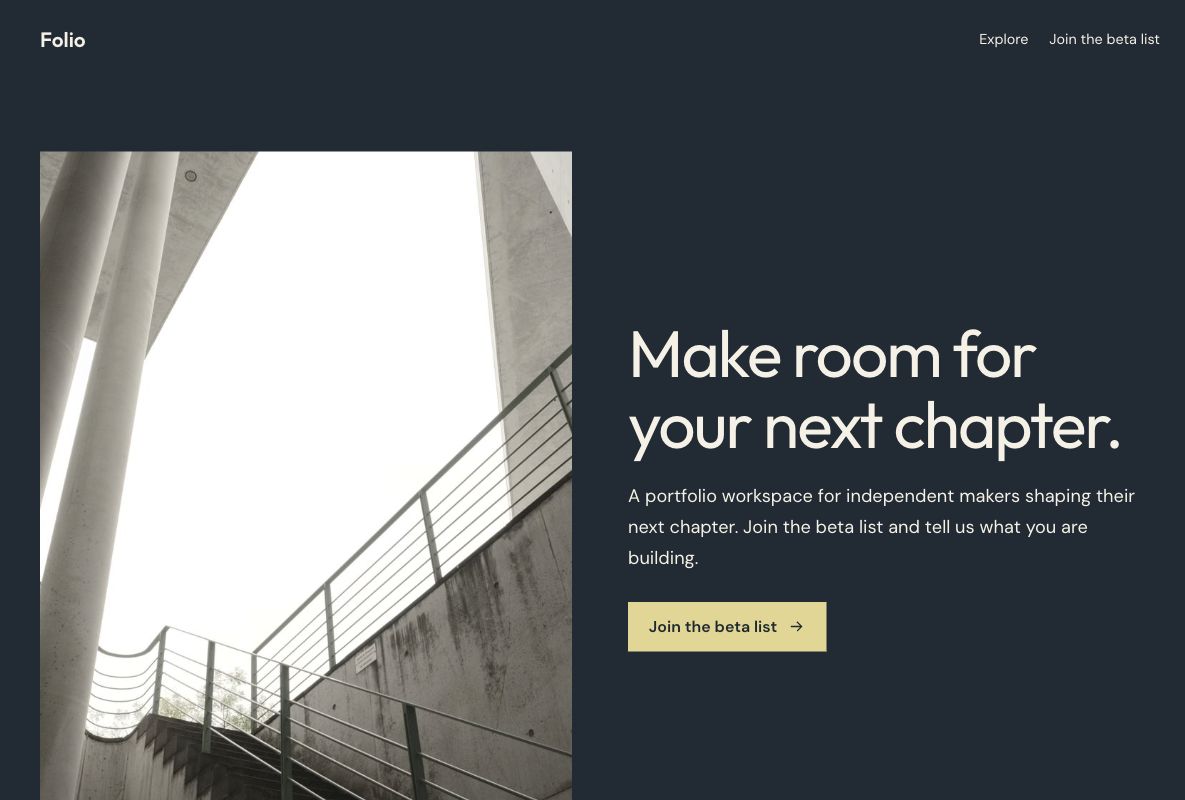 Make this one yours
A bold, minimal beta page for a product still taking shape.
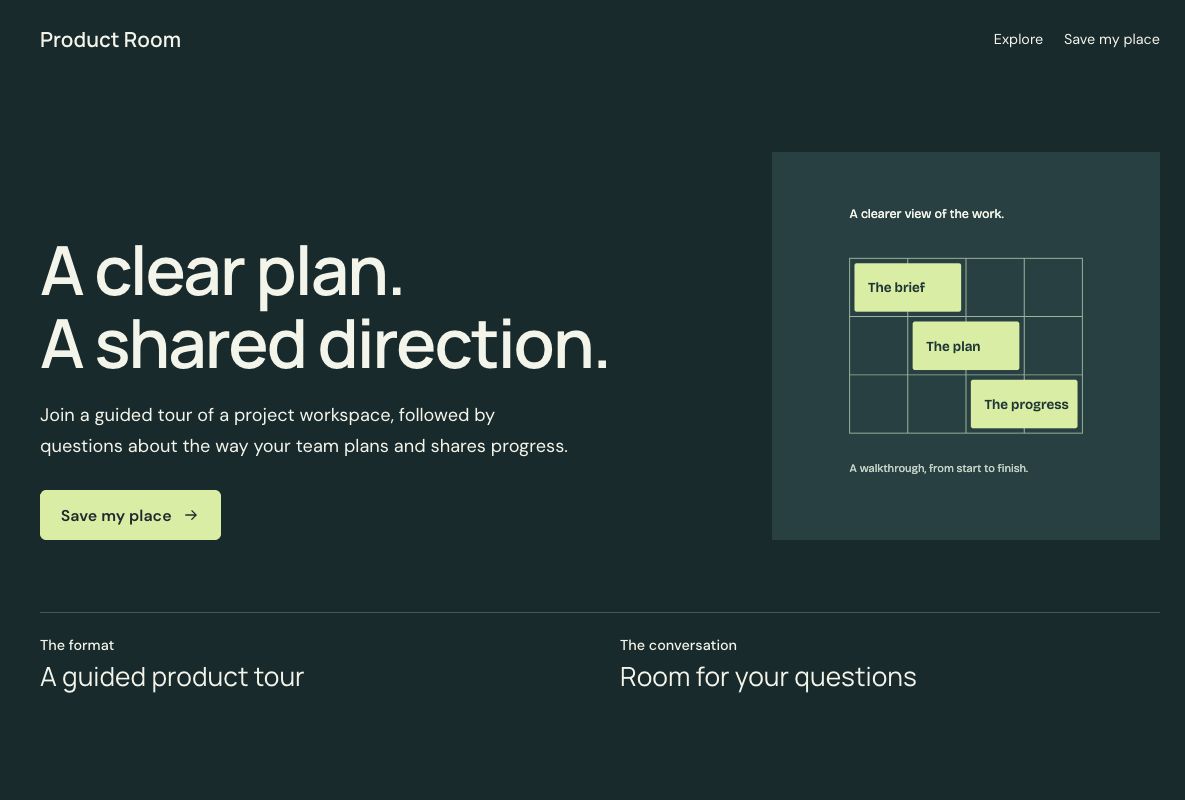 Make this one yours
A dark product-demo invitation with an agenda and a clear registration step.
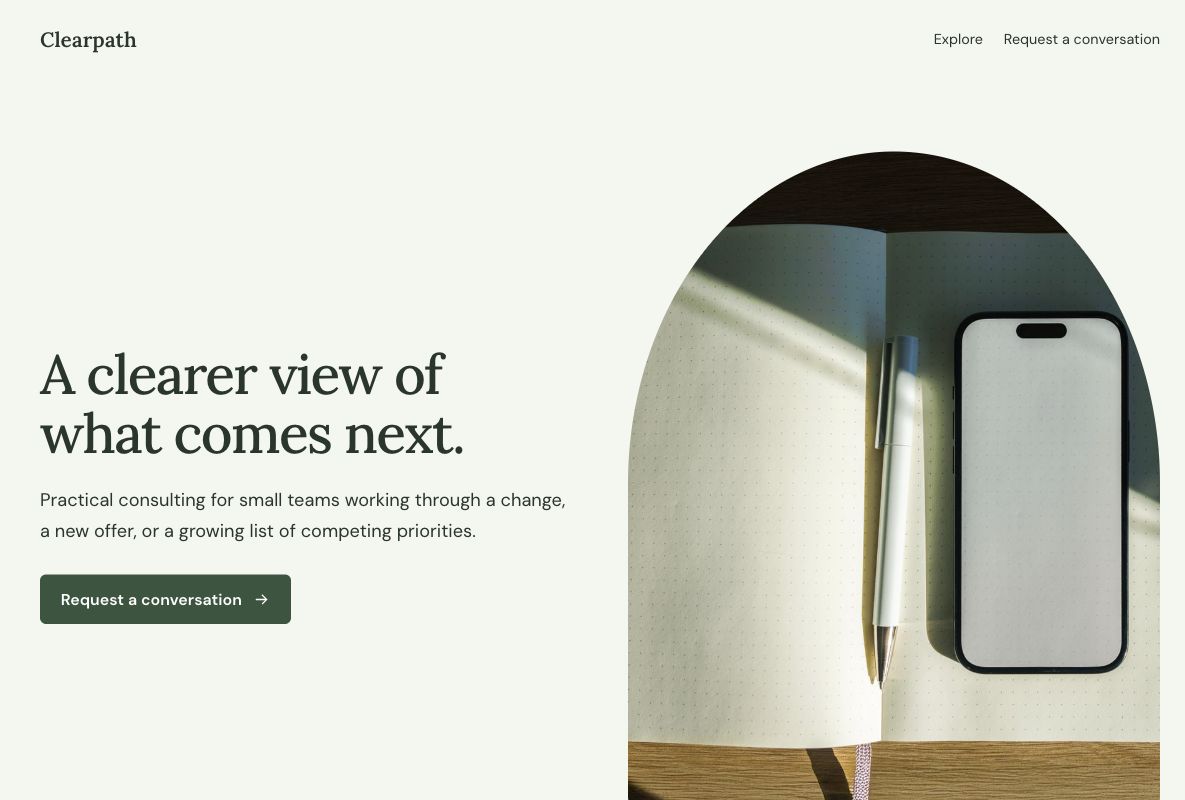 Make this one yours
A calm consultation page that explains fit before asking for contact details.
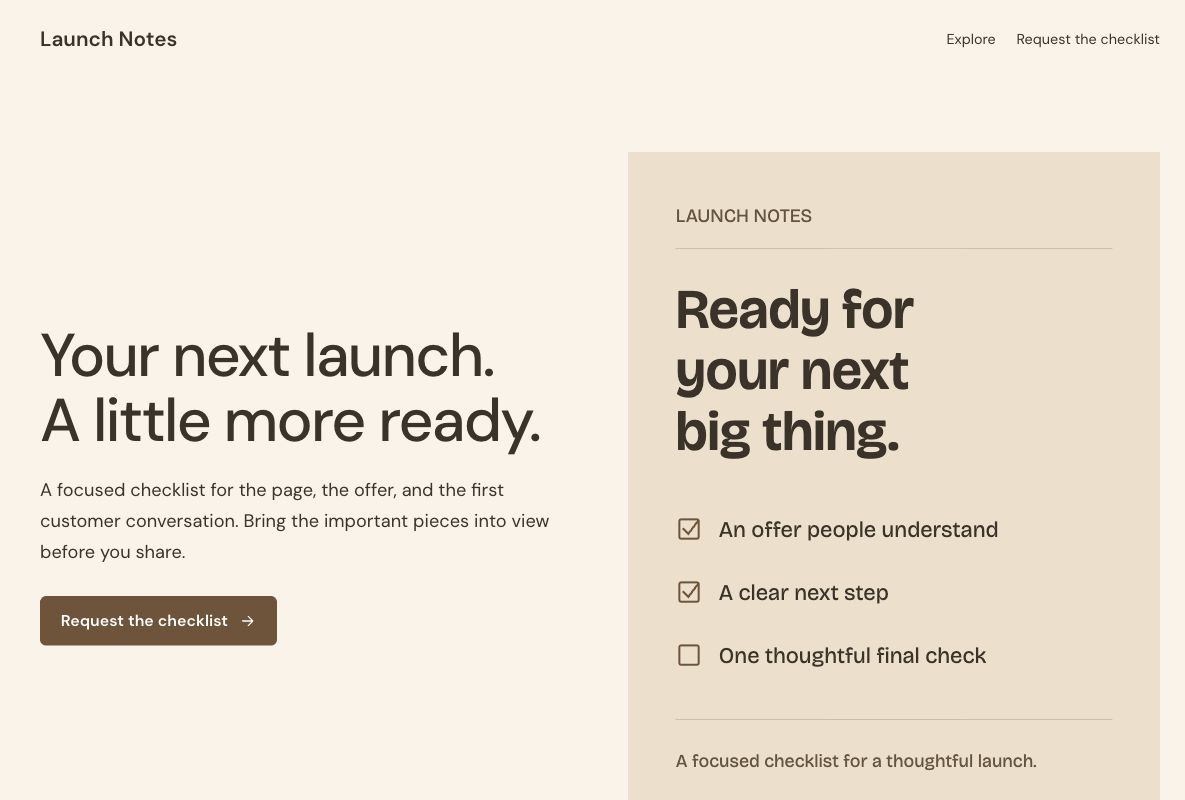 Make this one yours
A compact checklist offer with a visible preview of its topics.
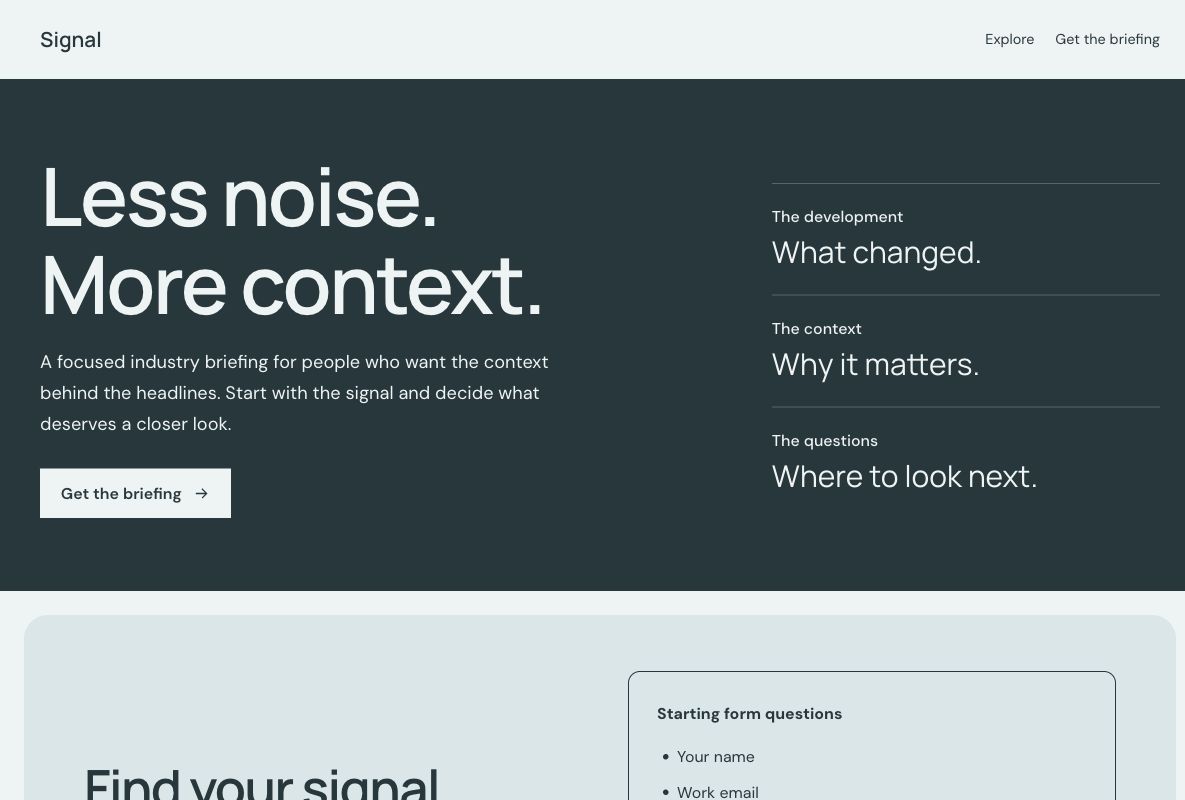 Make this one yours
A clear, structured signup page for a specialist newsletter.
Try a broader term, or start with a description in Youform Pages.
Build a page with AIGive an offer more context than a form link alone. Each design gives you a page to shape in Youform Pages, with a connected Youform for the next step.
Choose a design for the thing you want someone to do: register, ask a question, request a resource, or join a list.
Replace the fictional example with your offer. Edit the words, colors, fonts, images, and sections. Review the questions in your form.
Pages includes hosting and analytics. Email delivery, webinar hosting, ticketing, and appointment confirmation depend on the workflows you connect.
A landing page template is an editable starting layout for a page with one main action. It brings together the offer, supporting information, and a next step such as requesting a demo or joining a newsletter. You replace the example content with your own rather than starting from an empty page.
These templates are native Youform Pages designs with a connected form. The gallery shows the actual page layouts. Full previews use fictional offers and show the starting form questions; your editable copy has its own form. For a standalone question flow, explore form templates.
Choose the action before choosing the appearance. A visitor requesting a consultation needs different information from someone signing up for launch news. Start with the closest goal, then compare the two designs in that collection.
Begin with a clear headline, an explanation of the offer, and one primary action. Add the information a visitor needs to decide: a product image, an agenda, a resource excerpt, service details, or a property description. Place the form where the visitor has enough context to act.
Use real evidence when you have it: your own screenshots, accurate speaker credentials, or a customer quote you have permission to publish. Remove sample brands and images that could misrepresent your offer. A short page suits a simple promise; a more involved decision may need examples and answers to common questions.
The page explains why someone should act. The form collects the information needed for that action. A newsletter may need only an email address, while a project inquiry may need a description and contact details. Adding a long qualification form to a simple offer can create unnecessary work for the visitor.
Use the connected form included with the design or select an existing Youform available in your organization. Review the questions, required fields, and ending separately from the page. A lead capture form can be a useful starting point when the goal is to begin a conversation.
Youform Pages includes hosting and page analytics. Custom domains and removing Youform branding require Pro. The landing page builder overview explains the editor; the pricing page lists plan details.
Match the headline to the link or campaign that brought the visitor. Make the next step specific, keep the form proportionate to the offer, and check the page on a small screen. Review what people actually need to know before adding another section or question.
Use the UTM builder to tag campaign links consistently. Review available page analytics alongside form responses, then check the outcome that matters: a relevant inquiry, an attended session, or a confirmed subscriber. Compare changes against your own earlier results rather than assuming a template will achieve a particular conversion rate.
Write a useful form ending and assign an owner to the next step. A resource request needs a working delivery process; an event registration needs joining instructions; an inquiry needs a relevant reply. Configure those arrangements before promising them on the page.
Explore Youform integrations for the services you use. Sending emails, hosting a webinar, confirming appointments, and managing tickets require the appropriate connected workflow. Test the complete visitor journey before sending traffic to a published page.