 Make this one yours
A property-led page that brings photography, useful details, and inquiries together.

Give a property a page of its own. Start with a listing inquiry or open-house design, replace the sample photography and details, and make it easy for an interested visitor to contact you.
Make this one yours
A property-led page that brings photography, useful details, and inquiries together.
 Make this one yours
A photo-first open-house page with a simple registration form.
Property visitors need useful information quickly. Use your actual photographs and verified listing details, then offer a clear inquiry or viewing request. A page can support an individual listing without becoming a full property portal.
Client consultation form templateUse photographs you have permission to publish. Keep price, location, dimensions, availability, and property descriptions accurate.
Explain whether the form requests an appointment or registers interest in an open house. A request is not a confirmed booking.
Give visitors room to ask a useful question. Collect only the contact details the listing team needs.
A real estate landing page presents a property or a specific viewing opportunity and gives visitors a way to ask for the next step. It can support an individual listing, a property campaign, or an open house with photographs, practical details, and a connected inquiry form.
The page is a focused destination rather than a searchable property portal. Add and maintain the listing information yourself. Make it clear whether visitors are asking a question, requesting a viewing, or registering interest in an event so the form does not suggest a booking that has not been confirmed.
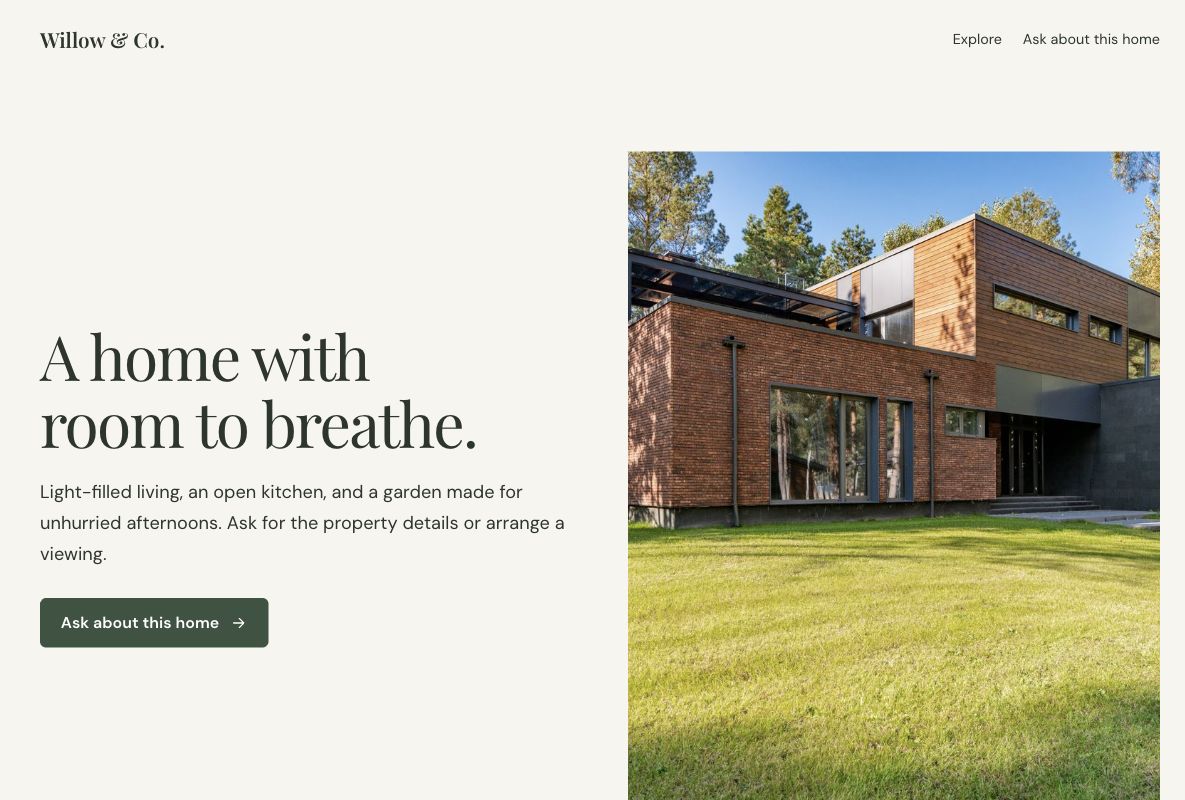
Use the Willow property template to give an individual home a visual introduction and invite inquiries. Replace the sample images and descriptions with the actual listing, then give interested visitors room to explain what they would like to know.
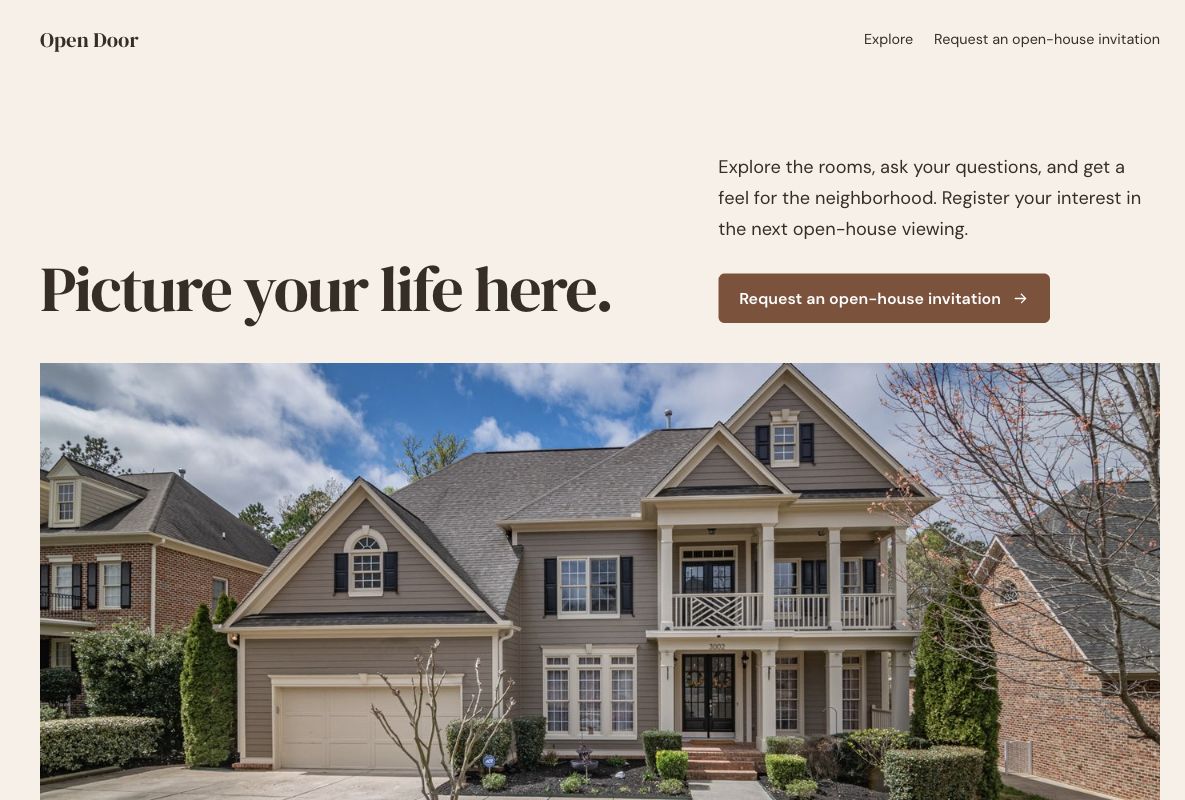
Use the Open Door viewing template when the main action concerns a viewing or open house. Explain the real arrangements, attendance expectations, and confirmation process. If the offer is a broader advisory service rather than a property, a consultation landing page may fit better.
Keep the page current as the listing changes. Remove obsolete availability and replace sample copy before publishing. Choose the details that help someone assess the property rather than filling the page with unsupported claims about investment returns or the surrounding area.
Start with the person's name, a way to reply, and the question or viewing request. Ask for a preferred contact method or a proposed time when it helps your team respond. Keep requests proportionate to arranging a conversation; do not turn a simple inquiry into an application.
Review the starting questions in the chosen design and edit them for the listing. A client consultation form can support a more detailed discussion. Explain how requests will be handled, especially when someone is proposing a viewing outside an advertised open-house time.
Use a headline and opening image that accurately represent the property. Keep important details easy to scan on a phone, and make the next action specific. When visitors ask the same question repeatedly, consider adding the answer to the listing rather than adding more required form fields.
Tag links from listing campaigns with the UTM builder. Review inquiries and confirmed viewings as separate outcomes. Page visits show attention; useful questions and arranged visits give the listing team different information about interest. Avoid treating every submission as a qualified buyer.
Acknowledge the request and explain who will confirm the arrangements. Check the actual availability before sending a time, address, or access instructions. A response in the form should remain a request until the listing team's scheduling process confirms it.
Assign an owner to new inquiries and keep the response record in the workflow your team uses. The Google Sheets integration is one option for organizing form responses. These templates do not include an MLS feed, a property database, or an appointment-reservation system.
Your changes stay in a draft until you publish. Check the page, the form, and the next step before sharing.