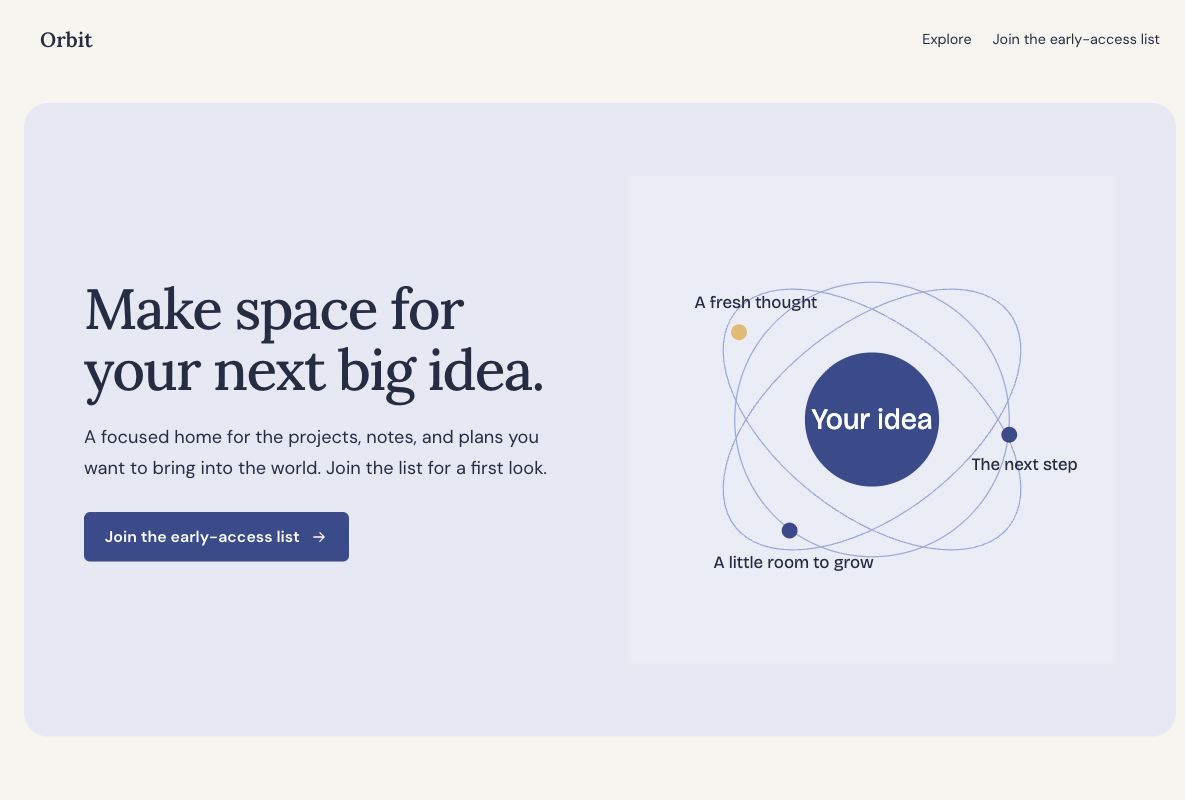
 Make this one yours
A launch page with room to explain the idea before asking for an email.

Your idea can have a useful home before everything is ready. Start with a coming soon page that explains what is taking shape, who it is for, and how people can hear about the launch.
Make this one yours
A launch page with room to explain the idea before asking for an email.
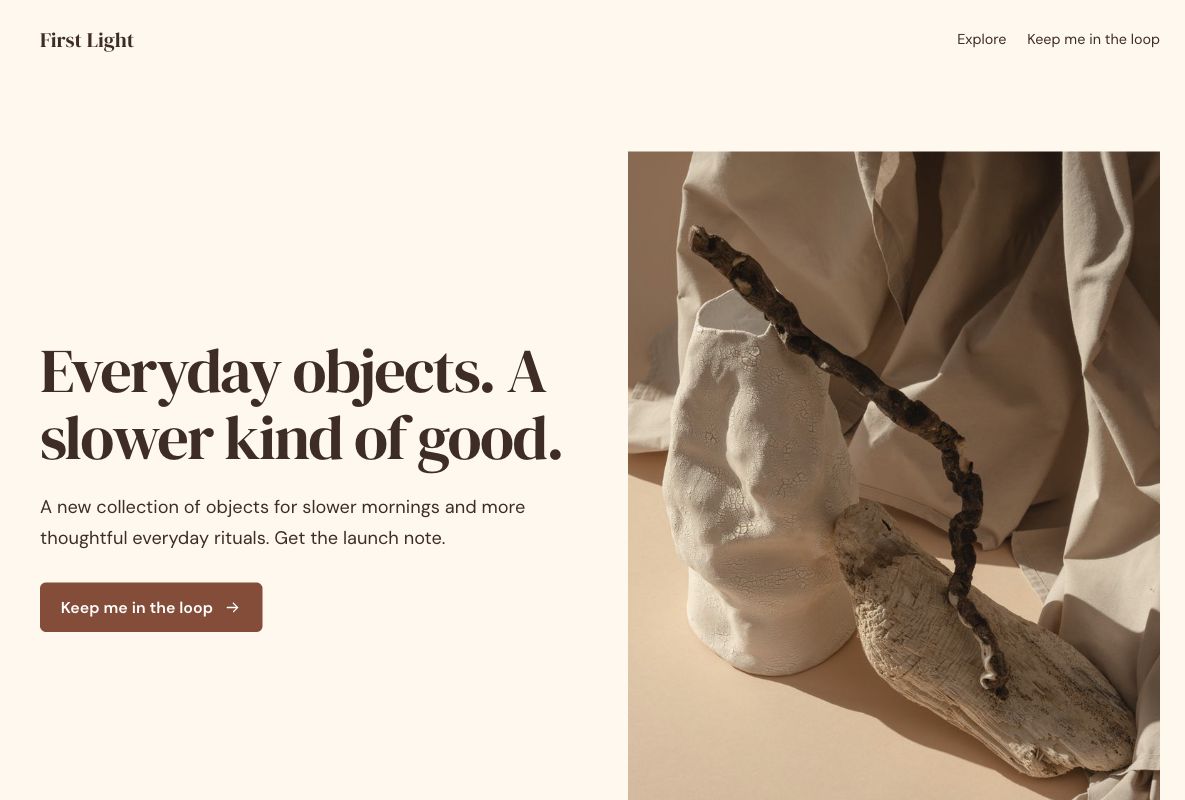 Make this one yours
A warm, concise launch announcement with an email signup.
A launch page needs enough detail for someone to decide whether they want the next update. Put the offer first, then make the email signup easy to find. A short page suits a simple announcement. Use a longer layout when the idea needs more explanation.
Lead capture form templateSay what you are making and who will find it useful. Add a real product image when you have one.
Ask for an email address and only the extra information you need. Explain what kind of updates people are joining.
Use a date only when it is confirmed. A waitlist signup records interest; it does not create a referral queue or promise early access.
A coming soon landing page introduces something before it is available and gives interested visitors a useful next step. It can announce a product, a shop opening, or a new collection without requiring a complete website. A waitlist version adds a form for people who want to hear more.
The page should help someone understand the idea now, even if the launch date is undecided. Explain the problem or experience you are working on, who it is for, and what joining the list means. An email signup records interest; a place on a list should not imply guaranteed access.
Choose the Orbit waitlist template when you want to explain a product idea and collect early interest. Use the page to make the problem recognizable, then ask only for the details needed for an appropriate launch update.
Choose the First Light launch template for an announcement with a stronger visual introduction. Replace the fictional brand and product story with your actual collection, release, or opening. Choose based on the explanation your audience needs, rather than adding every available section.
Give the visitor enough detail to recognize a good fit. Replace unfinished sections with useful information you can support today. Show a date or countdown only when the underlying schedule is confirmed; an invented deadline does not make an unclear offer more useful.
An email address may be enough when you only need to send launch news. A name, role, or short question about the visitor's needs can help when it will change the update or follow-up. Mark optional research questions clearly so they do not become an unexpected requirement for joining.
Start with the questions in your chosen design, then edit them for your launch. The lead capture form template offers another starting point for a short interest form. Explain whether a signup joins product news, requests beta consideration, or does something else.
Keep the main promise consistent wherever you share the page. A visitor from a product announcement should recognize the same idea in the headline and image. If visitors need more context, add a concrete example of the intended experience before asking for more personal information.
Tag links from social posts, communities, and launch campaigns with the UTM builder. Review page activity and the relevance of signups, then track later launch engagement in the tools you use. A large interest list and a group of active customers are different outcomes.
Use the form ending to acknowledge the signup and explain the next update you can actually provide. Decide who owns the list, where new responses should go, and how you will handle incorrect addresses or requests to stop receiving news.
Connect your email workflow through the appropriate integration and test it before promising automatic launch messages. Referral rewards, queue positions, invitations, and product-account creation need their own setup. If the product is already ready for a demonstration, a SaaS demo page may fit the next step better.
Your changes stay in a draft until you publish. Check the page, the form, and the next step before sharing.