
What you can build with an online form builder
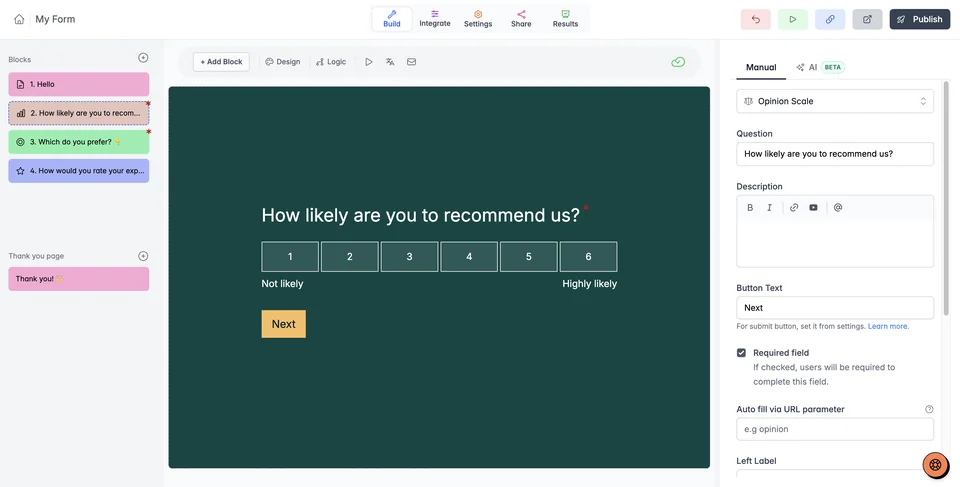
Bring the questions and response collection together without writing HTML or setting up a server. Start with the information you need to act, then choose the question types that make it easy to answer.
- Client intake: ask about the project, budget, and deadline, with an upload for a supporting brief. Start with a client intake template.
- Lead collection: collect contact details and the service someone needs, then ask a relevant follow-up. Explore lead generation forms.
- Event registration: collect attendee details, session choices, and any information the organizer needs. Adapt an event registration template.
- Feedback and quizzes: use ratings and open answers to understand an experience, or add scores and outcomes for a quiz. See the feedback forms and quiz builder.
Use short text for a brief answer, multiple choice for a defined set of options, and file or signature fields when the workflow needs them. Mark essential questions as required and leave optional context optional.
Embed, collect, and connect your responses
Share the public form link in an email, message, or campaign, or embed the form on your existing website. The form runs in Youform; your website supplies the surrounding page. Check both views on desktop and phone.
Responses arrive in Youform, where you can review and export them. Connect Google Sheets to keep a spreadsheet updated, use Slack for team notifications, or connect other apps through Zapier or webhooks. Browse integrations to find the connection method for your tools.
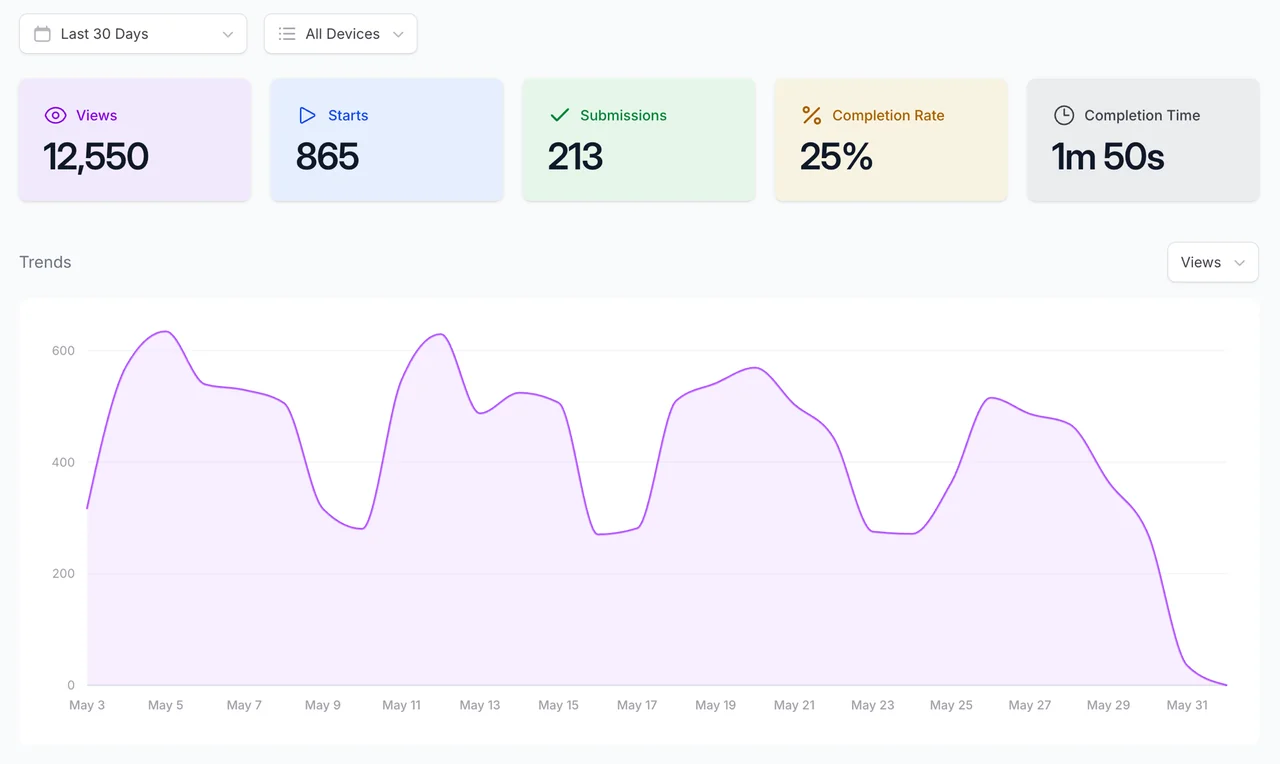
Basic analytics helps you track views, starts, and submissions. Advanced analytics and question-level drop-off require Pro. Colors, built-in fonts, questions, logic, and unlimited responses are available on Free within fair usage guidelines. Logo uploads, custom domains, Stripe payments, and partial submissions also require Pro. Review the full plan comparison.
Check the whole journey before you share
Test the form with the same care you give the page around it. A clear question is only useful if the answer reaches the right place.
- Review the questions. Check required fields, answer choices, upload requirements, and any explanation someone needs before answering.
- Walk through each path. Try different choices and confirm that conditional questions, scores, and endings behave as intended.
- Check the phone experience. Open the published form link and, if you use an embed, check the surrounding website too.
- Check the handoff. Confirm the destination sheet, connected app, and notification settings. If you submit a test response, it is a real response in Youform and may trigger your connected workflows.
See all Youform features for the full workflow, or compare plans when you need your own domain, branding removal, payments, or advanced analytics.


