
A Fillout lead form and an Airtable update form need different replacements
Start by identifying the data operation. A lead form creates a new submission. A customer update form must identify an existing record, load the right values, and save changes to that same record. A generic integration label does not prove both operations work.
Fillout documents creating and updating Airtable records, including prefilled update forms. If that is your main use case, keep the working connection until you have checked an equivalent workflow. For a straightforward public lead form, Youform Free can suit collection beyond Fillout’s free monthly response allowance.
- List the fields to create, look up, and update.
- Check record identity, permissions, and what happens when no match exists.
- Compare the available Youform connections and any external automation costs.
Use a client intake template for a new-submission workflow. Also compare Tally for document-style collection and Cognito Forms for repeating data.
Scenario guidance reviewed 13 September 2026. Product sources are linked above; the plan comparison retains its own review date.
Compare the editors with a real form
Rebuild one representative form in both editors. Compare how you add questions, change their order, mark them required, and preview the respondent’s experience. A quick contact form and a complex intake workflow may lead to different preferences.
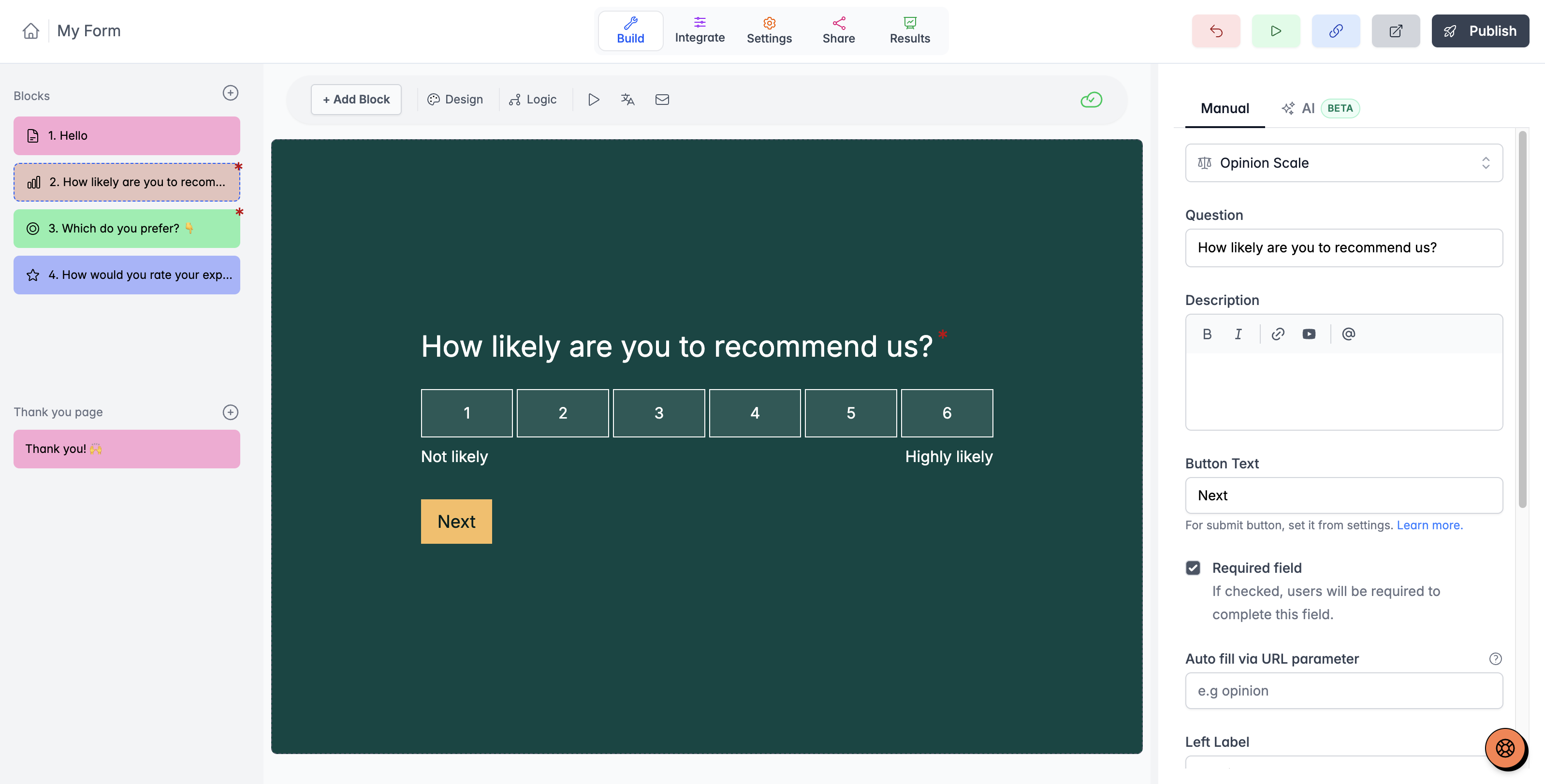
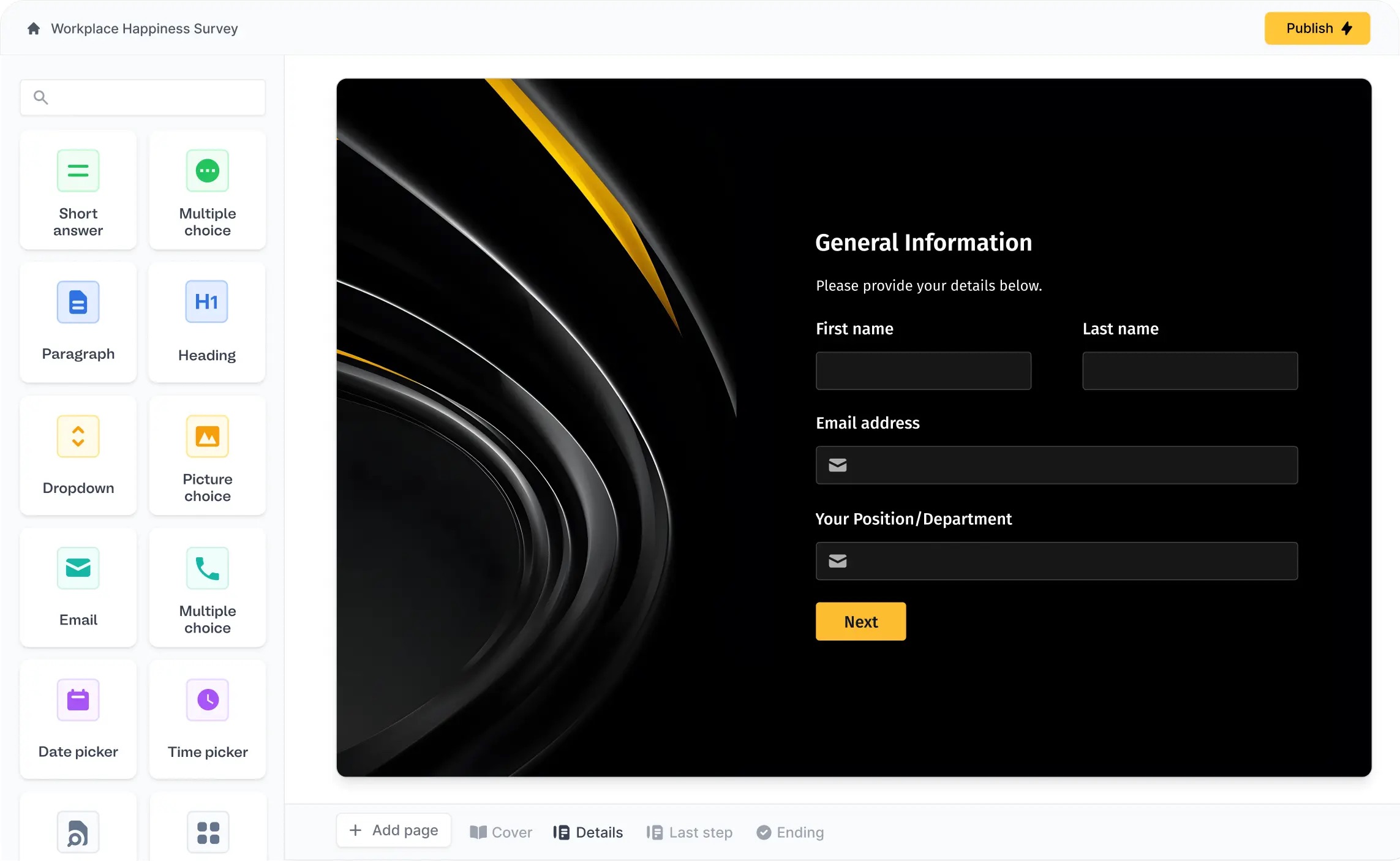
These product screenshots illustrate the editing approaches. Check the current editor against the specific layout, logic, and workflow you need.
Design, logic, and the work after submission
Start with the published form: question layout, phone behavior, typography, images, and the ending. Then follow the answer into the systems your team uses. A polished questionnaire is only useful if its data reaches the right place.
Youform includes logic and calculations on Free, with Pro options for your logo, custom domains, payments, partial submissions, and advanced analytics. The comparison table above links the other product’s current plan documentation.
- Check compound rules and calculated values using realistic answer combinations.
- Confirm whether the destination app has a direct connection or needs an automation service.
- Map names, dates, choices, and uploaded files explicitly.
- Review exports, notification recipients, and report-sharing permissions.
- Check any approval, document, or database workflow your current process depends on.
Data-connected intake and template starting points
Fillout’s data-connected workflows can matter when a form creates or updates records in a database. Check lookup behavior, record permissions, and the direction of synchronization before changing the tool.
For a Youform workflow, identify the questions and then the direct integration, webhook, or automation needed to deliver the data. A similar template does not guarantee that an existing database workflow will transfer unchanged.
Compare a client intake template, a registration, or a lead form with the actual process you need. Review Fillout’s integrations alongside Youform’s directory.


