 Make this one yours
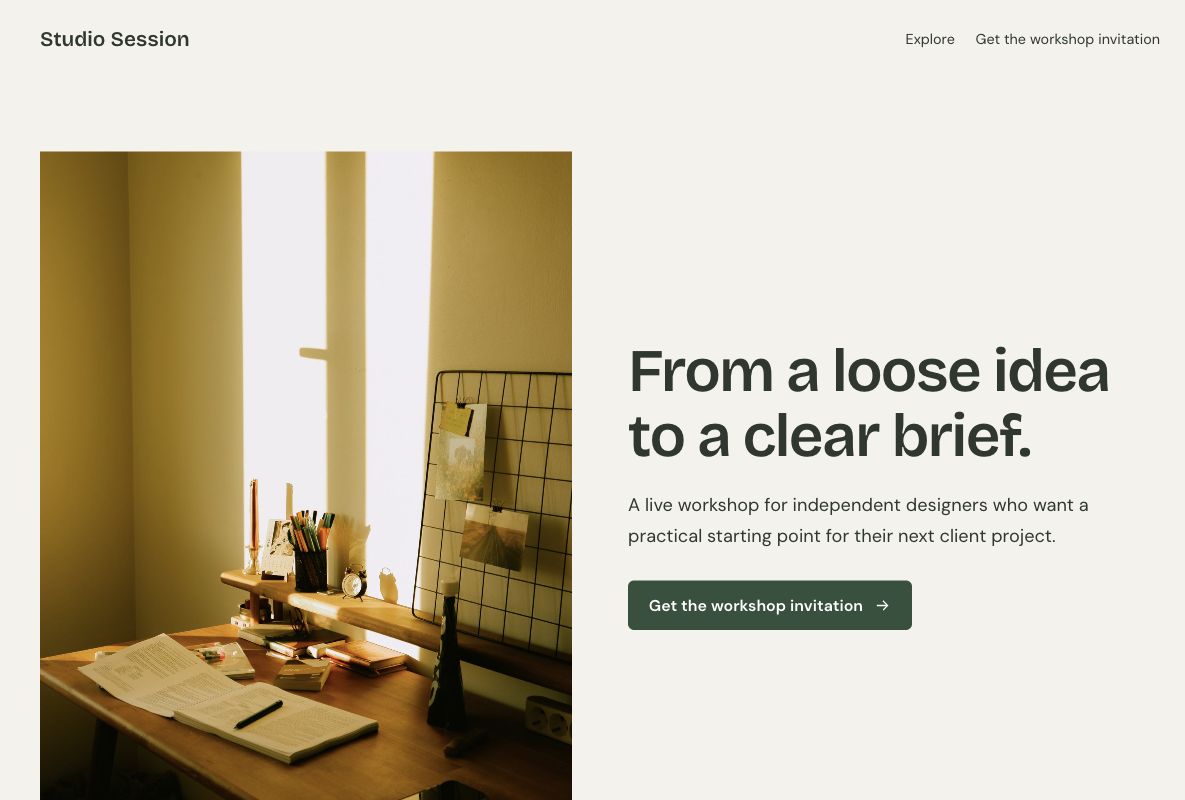
An editorial registration page with learning outcomes and a short agenda.

Give your next session a clear invitation. These webinar landing page templates put the topic, the audience, and the registration step together, with room for an agenda and the details people need before signing up.
Make this one yours
An editorial registration page with learning outcomes and a short agenda.
 Make this one yours
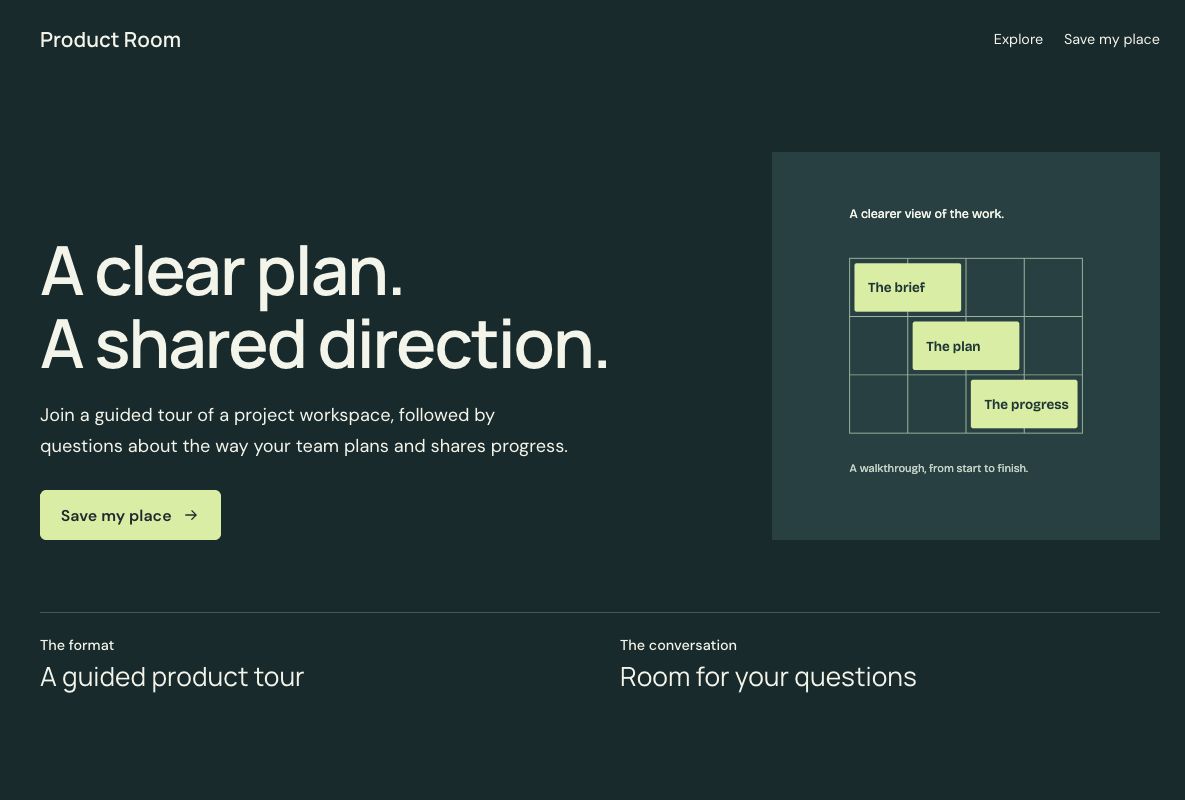
A dark product-demo invitation with an agenda and a clear registration step.
A webinar page should answer a practical question: what will I learn, and is it relevant to me? Lead with the subject and learning outcomes. Add the real date, time zone, speaker information, and joining arrangements before you publish.
Online event registration form templateDescribe what the attendee will explore. A product walkthrough and an expert workshop need different explanations.
Keep the date, time zone, format, and speaker credentials accurate. Use real speaker photos and biographies.
Collect the details you need for attendance. Calendar invitations, reminder emails, streaming, and recordings need the services you actually use.
A webinar landing page gives a session its own invitation and registration step. It explains the subject, the people it is for, the practical arrangements, and what an attendee can expect to learn. The connected form collects the information needed to register or request a place.
The page supports the decision to attend; your meeting or webinar platform runs the session. Keep the distinction clear when describing joining instructions, recordings, or reminders. An interested visitor should be able to understand the commitment before giving you their contact details.
The Studio Session template suits a teaching session, conversation, or workshop. Use the space to explain the topic, introduce the actual speaker, and show the learning outcomes without turning the agenda into a long sales pitch.
The Product Room template suits a guided walkthrough with questions. Show the workflow participants will explore and the situations it addresses. When the visitor wants an individual sales meeting instead of a group session, compare the SaaS demo templates.
Place the practical details where a visitor can find them before registering. If a recording will be available, explain the actual arrangement. Do not imply that a registration form itself creates a meeting link, a calendar invitation, or access to a hosted recording.
Collect the attendee's name and an email address for joining information. Add a role, organization, or question for the speaker only when it will help prepare the session. A broad educational webinar usually needs less qualification than a specialist product walkthrough.
Review the questions included with the design or start from the online event registration form. Explain optional follow-up separately from registering for the session. Keep the form suitable for a phone, particularly when invitations will be shared through social or email campaigns.
Make the session's value specific: the decision attendees will understand, the workflow they will see, or the question they can bring. Keep this promise consistent in invitations and on the page. Use an accurate speaker introduction instead of unsupported claims about expertise or audience size.
Tag invitation links with the UTM builder and review page activity alongside registrations. Track attendance and engagement in the platform that hosts the webinar. A submitted form shows interest; it does not establish that someone attended or found the session useful.
Tell registrants how and when they will receive joining details. Assign someone to manage the registration list and questions. Check the meeting link, time zone, reminder schedule, and any recording arrangement before sharing the registration page.
Use the email or webinar workflow you have configured through your chosen services; explore integrations for available connections. If the session changes, update the page and contact registrants through that workflow. Keep any later product follow-up relevant to what the visitor requested.
Your changes stay in a draft until you publish. Check the page, the form, and the next step before sharing.