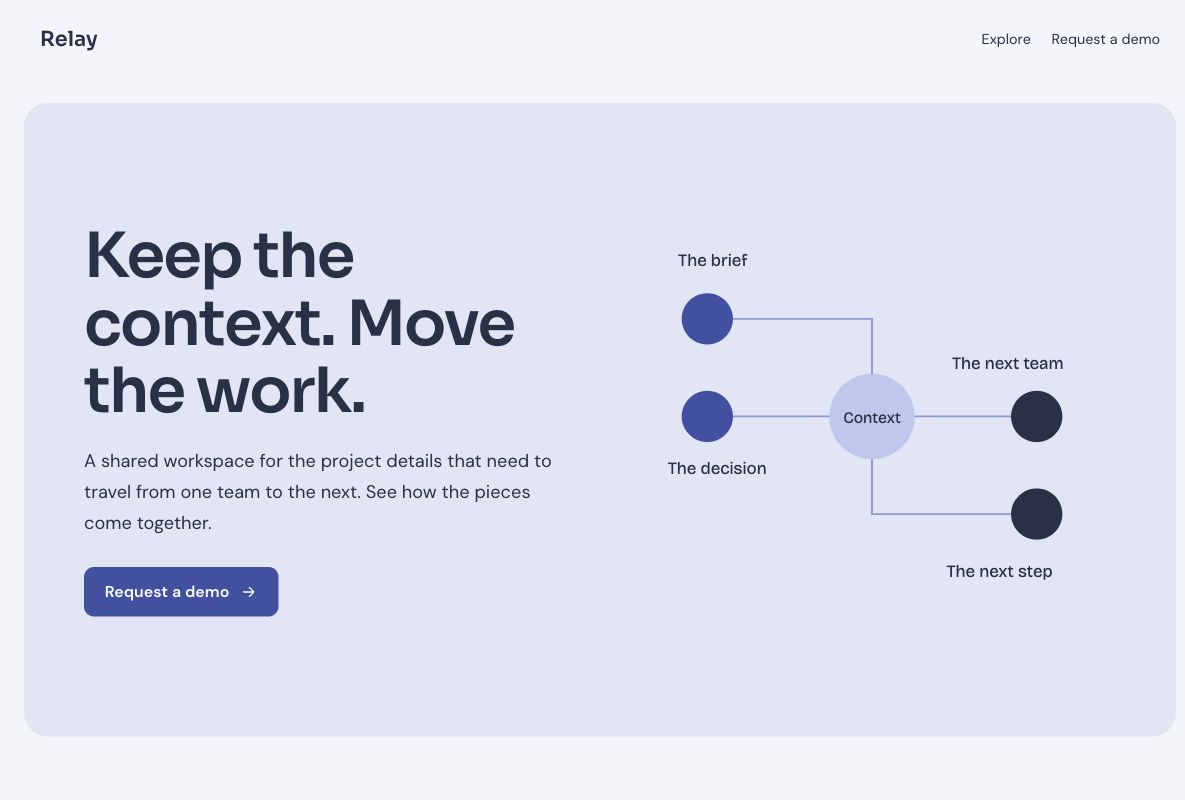
 Make this one yours
A SaaS demo page focused on the workflow and a qualified inquiry.

Show the problem your product helps solve and give interested visitors a clear next step. These SaaS layouts focus on demo requests and beta interest, with room for your actual product screenshots and workflow.
Make this one yours
A SaaS demo page focused on the workflow and a qualified inquiry.
 Make this one yours
A bold, minimal beta page for a product still taking shape.
A demo page and a beta signup page ask for different commitments. Choose the design that matches your product stage. Use real capabilities, product captures, and access information so the visitor knows what happens next.
Lead capture form templateDescribe the actual workflow and benefits. Add your own screenshots rather than an invented dashboard or customer result.
Ask enough to understand a demo request, or keep an early-interest signup short. A beta list does not promise immediate product access.
These templates are hosted Youform Pages. They are not downloadable React, HTML, Framer, or WordPress themes.
A SaaS landing page template gives a software offer a focused introduction and a next action. These designs support two specific jobs: requesting a product demo or registering beta interest. The page explains the product and the connected form collects the context needed for that next step.
Choose the commitment that matches your product stage. A visitor requesting a sales conversation needs different information from someone joining an early-interest list. These are native Youform Pages designs, rather than downloadable HTML, React, WordPress, or Framer themes.
Use the Relay template when a relevant conversation is the next step. Explain the workflow the visitor can explore in a demo, show your actual product, and collect the context a salesperson needs to prepare.
Use the Folio template when you are gathering interest or considering beta participants. Describe the product's current stage and how access decisions happen. A broader launch announcement can also use a coming soon page.
Use real product evidence instead of an invented dashboard or unsupported customer result. Distinguish a capability that is available now from a planned feature. When the next step involves a conversation, explain what the visitor can expect to discuss rather than implying that completing the form starts a trial account.
For a demo, collect a name, a work email when appropriate, and the use case the visitor wants to discuss. Add team or organization information only when it changes how you prepare. Give visitors room to say what they are trying to improve instead of requiring a detailed procurement brief.
A beta-interest form can be shorter. Ask about a role or workflow only when it helps choose participants or shape the product. The lead generation form collection explains capture and qualification options for these different commitments.
Keep the product explanation aligned with the campaign or referral that brought the visitor. Show the relevant workflow early and use a specific action such as requesting a demo. Review unclear questions and check that the page and form are comfortable to use on a phone.
Tag campaign links with the UTM builder. Review page activity and requests, then track qualified meetings or actual beta participation in the systems that manage them. A request is not a booked meeting, and a beta signup is not an activated product account.
For demos, assign an owner, review the use case, and confirm the actual meeting arrangements. For beta interest, explain how invitations will be selected and what the person should expect next. Keep any response-time or access promise consistent with the process your team can operate.
Configure the appropriate email, scheduling, or sales workflow through your chosen integrations. The page and form do not automatically create product accounts, reserve appointments, or rank a referral queue. Test the next step that your headline and button promise.
Your changes stay in a draft until you publish. Check the page, the form, and the next step before sharing.