 Make this one yours
An editorial newsletter signup with an uncluttered reading rhythm.

Make room for your publication beyond a bare signup link. Introduce the subject, the voice, and the kind of reading people can expect, then connect a short subscriber form.
Make this one yours
An editorial newsletter signup with an uncluttered reading rhythm.
 Make this one yours
A clear, structured signup page for a specialist newsletter.
A newsletter page helps someone decide whether the subject and perspective are for them. Use a real excerpt when you have one. State the actual sending frequency and explain what joining the list means.
Online signup form templateDescribe the topics and point of view. Use real published excerpts, titles, and author information when available.
Keep the form focused. An email address and any genuinely useful preference can be enough.
Connect your email platform and test the subscriber workflow. Sending, consent handling, unsubscribe links, and list management belong to that configured workflow.
A newsletter landing page introduces an ongoing publication and gives readers a clear way to subscribe. It explains the subject, perspective, and sending rhythm so someone can decide whether the emails belong in their inbox. The connected form collects the signup details.
The page can support a new publication or give an established newsletter its own destination. Unlike a one-time resource request, a subscription is an ongoing expectation. State what readers are joining and connect the signup to the email platform that will manage the publication.
Use the Margin template when the publication's voice, themes, and editorial point of view are central. A real excerpt or past issue can help a reader recognize the kind of writing you send.
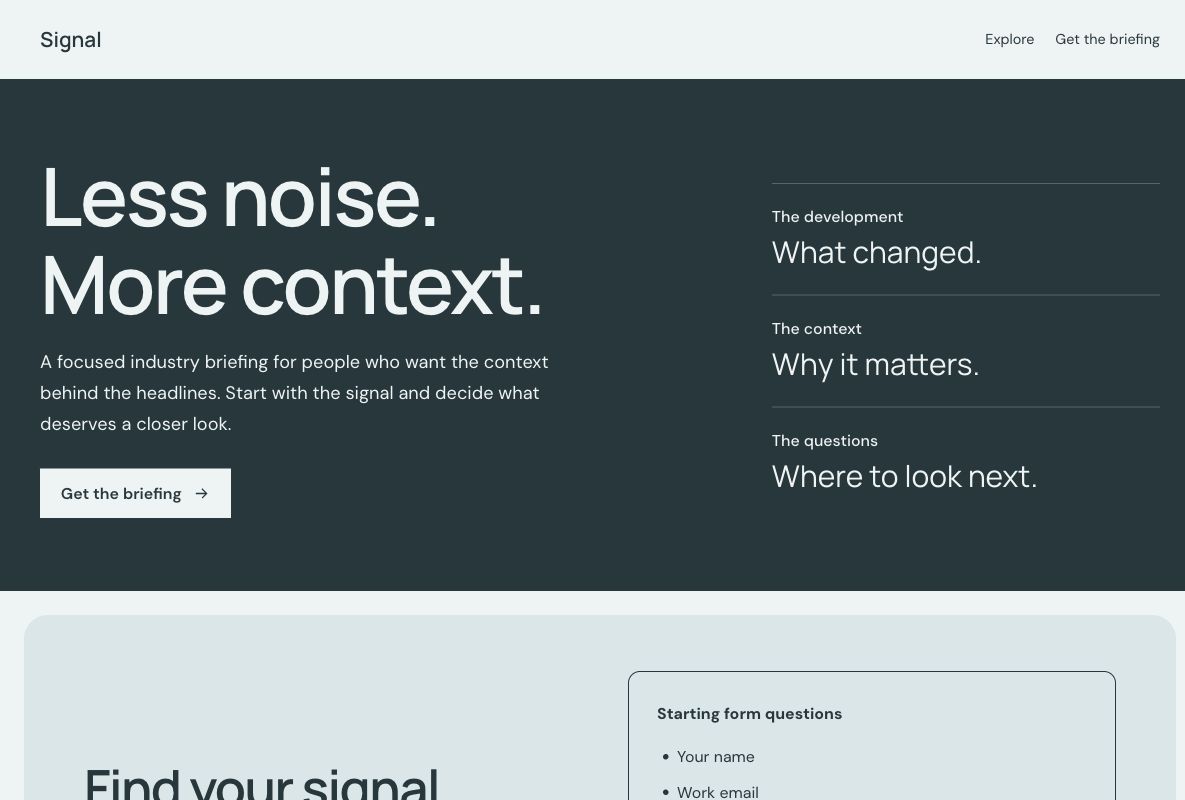
Use the Signal template for a focused professional or industry briefing. Explain the topics, intended reader, and type of information you select. If the offer is a single downloadable guide, compare ebook landing pages instead.
Show readers enough of the publication to assess it for themselves. Use real issue titles and subscriber evidence when you have them. Before the first issue, explain the planned subject honestly instead of creating an invented archive, audience count, or endorsement.
An email address may be enough for a single publication. A first name or topic preference can be useful when it changes the reader's experience, but avoid asking for professional details that have no role in the subscription. Make the ongoing nature of the signup clear.
Review the questions in the chosen design or begin with an online signup form. If you offer several publications, explain the choices and map them correctly in your email workflow. Test what happens to someone who is already on the list.
Make the value of reading concrete: the topics covered, the questions explored, and the way you select or explain information. Keep the signup short and show a useful sample when available. Check the page on the devices where readers encounter your shared links.
Tag promotional links with the UTM builder and review signup requests alongside available page analytics. Use your email platform to understand confirmed subscribers, delivery, and ongoing engagement. A form submission is not necessarily a confirmed or active subscriber.
Explain whether the reader should expect a confirmation message, a welcome email, or the next scheduled issue. Configure that process in your email platform and test how a new signup reaches the intended list. Check the experience for duplicates and invalid addresses as well as a first-time signup.
Use the appropriate integration or response workflow for the service you use. Sending, subscription preferences, confirmation, and unsubscribe handling belong to that configured workflow. Youform Pages provides the page and connected form; it does not send or manage the newsletter itself.
Your changes stay in a draft until you publish. Check the page, the form, and the next step before sharing.