 Make this one yours
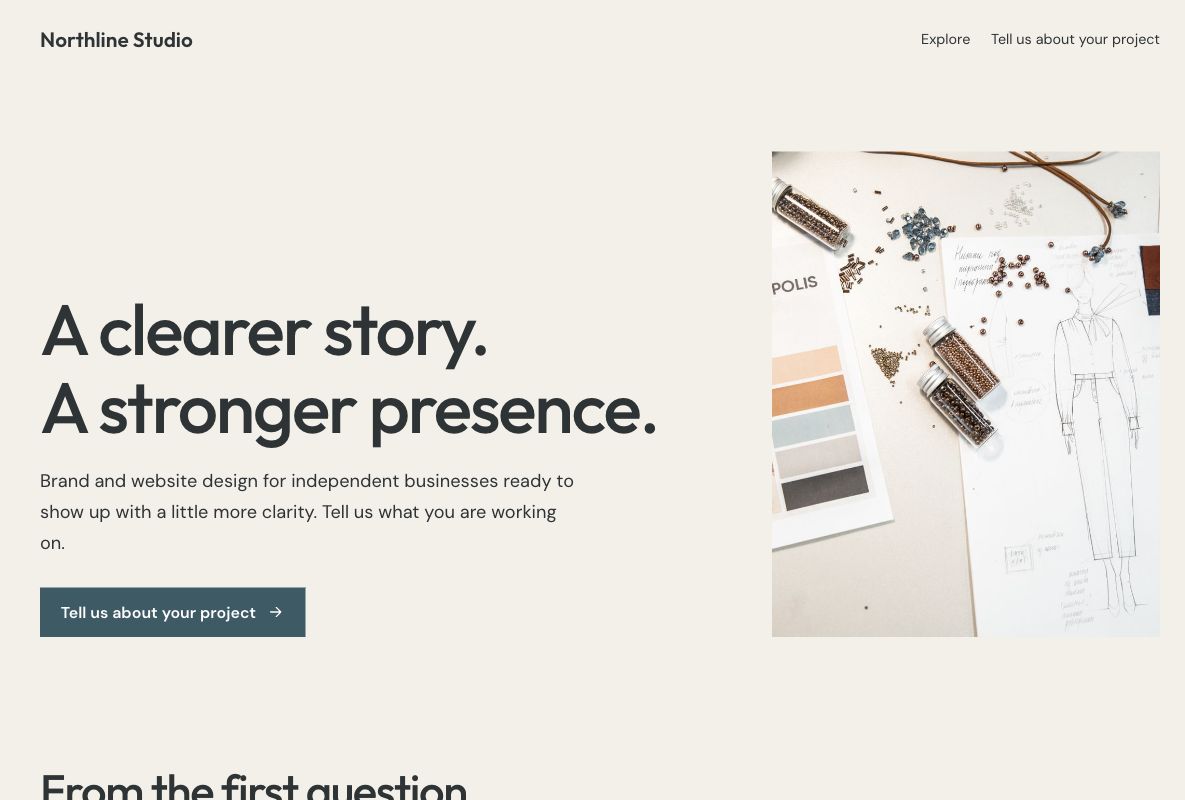
A studio inquiry page with services, approach, and a project brief form.

Give a new customer enough context to start a useful conversation. Choose a project inquiry or consultation design, explain your offer, and connect the questions that help you understand the next step.
Make this one yours
A studio inquiry page with services, approach, and a project brief form.
 Make this one yours
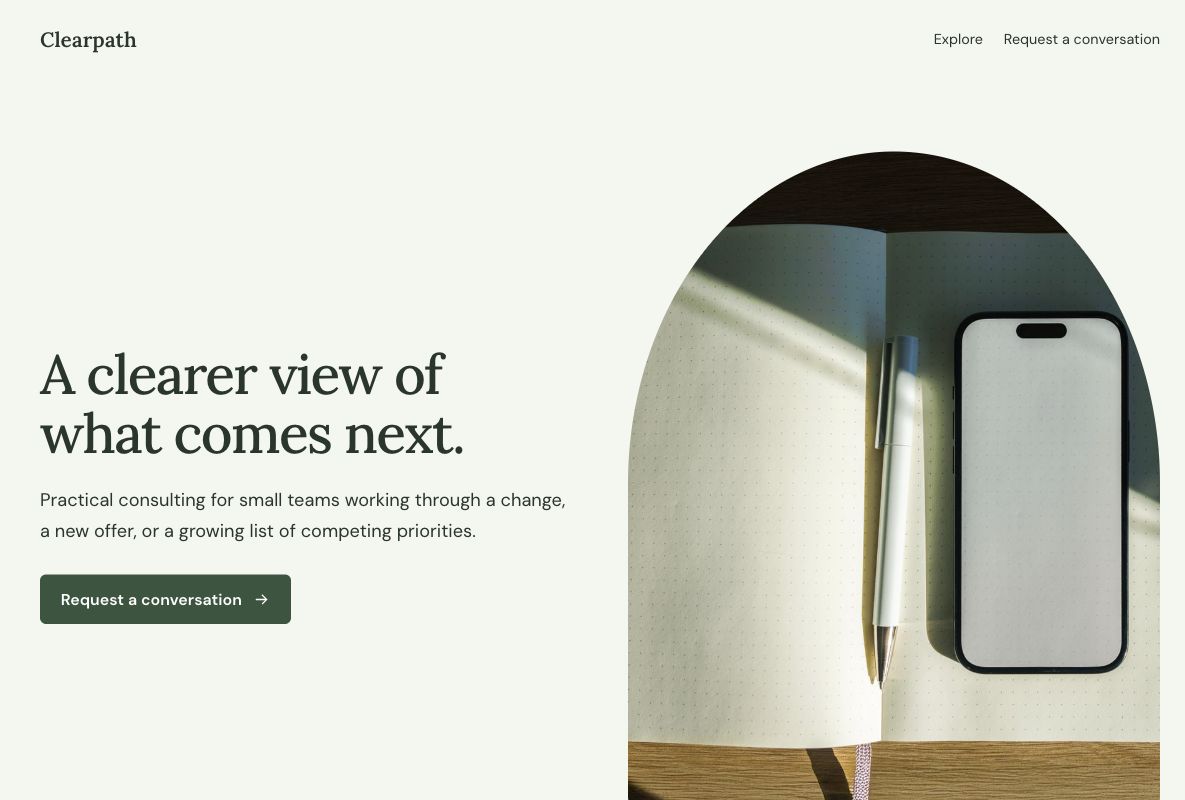
A calm consultation page that explains fit before asking for contact details.
The page explains what you do and who you can help. The form gives the visitor a way to tell you about their situation. Keep those jobs connected: the information you request should match the offer the page makes.
Lead capture form templateDescribe the problem you help with and the kind of work you take on. Include real examples when you have permission.
Ask for contact details and a short description of the project or challenge. Add budget or timing questions only when they help the conversation.
Explain the actual next step. Avoid promising instant quotes, available appointment slots, or a response time you cannot maintain.
A lead generation landing page explains an offer and gives a potential customer a clear way to start a conversation. It connects the promise in an ad, email, or referral with the information needed to make an inquiry. The connected form collects contact details and relevant context for a reply.
A lead generation form is the question flow within that journey. The landing page gives the offer more context through service details, examples, and answers to common questions. Use a dedicated page when visitors need that explanation before they can decide to contact you.
The Northline template suits a studio or service business that needs a project brief. Describe the work you take on, show real examples when you have permission, and invite the visitor to explain scope and timing.
The Clearpath template suits an offer that begins with a conversation about a challenge. Explain who the consultation helps and what the next discussion involves. If visitors already know what they want priced, compare quote request forms before choosing more general qualification questions.
Keep the page aligned with the campaign or recommendation that brought the visitor. Explain material conditions where they affect the decision. Use real customer evidence when available; the fictional brands and sample offers in the previews are design examples, not testimonials.
A capture form starts the conversation with a name, a reply address, and a brief request. Qualification adds context that changes how your team responds, such as the type of project, timing, or a budget range. More questions are useful only when the answers have a clear purpose.
A visitor exploring options may not know a budget or purchase date yet. Allow an appropriate answer rather than forcing a guess. Begin with the lead capture form template, then review which questions your team needs before it can send a useful reply.
Give visitors a specific reason to contact you, make the action easy to find, and check the form on a phone. Use clear field labels and remove questions that do not affect the response. When the offer itself is unclear, adding another call to action usually leaves the same question unanswered.
Use the UTM builder to tag campaign links, then review available page analytics alongside submitted inquiries. Track relevant conversations and opportunities in your follow-up workflow. A higher submission count is not necessarily an improvement if the requests are a poor fit for the service.
Give the visitor a useful acknowledgment and explain the real next step. Assign the inquiry to someone who can respond, keep the project context with the contact details, and use the answers to make the first reply relevant. Publish a response-time promise only when your team can maintain it.
Explore the Google Sheets integration or other integrations for your response workflow. If a visitor requests a consultation, confirm the meeting arrangements separately. Submitting this form does not automatically create an appointment, an instant quote, or a sales opportunity in another system.
Your changes stay in a draft until you publish. Check the page, the form, and the next step before sharing.