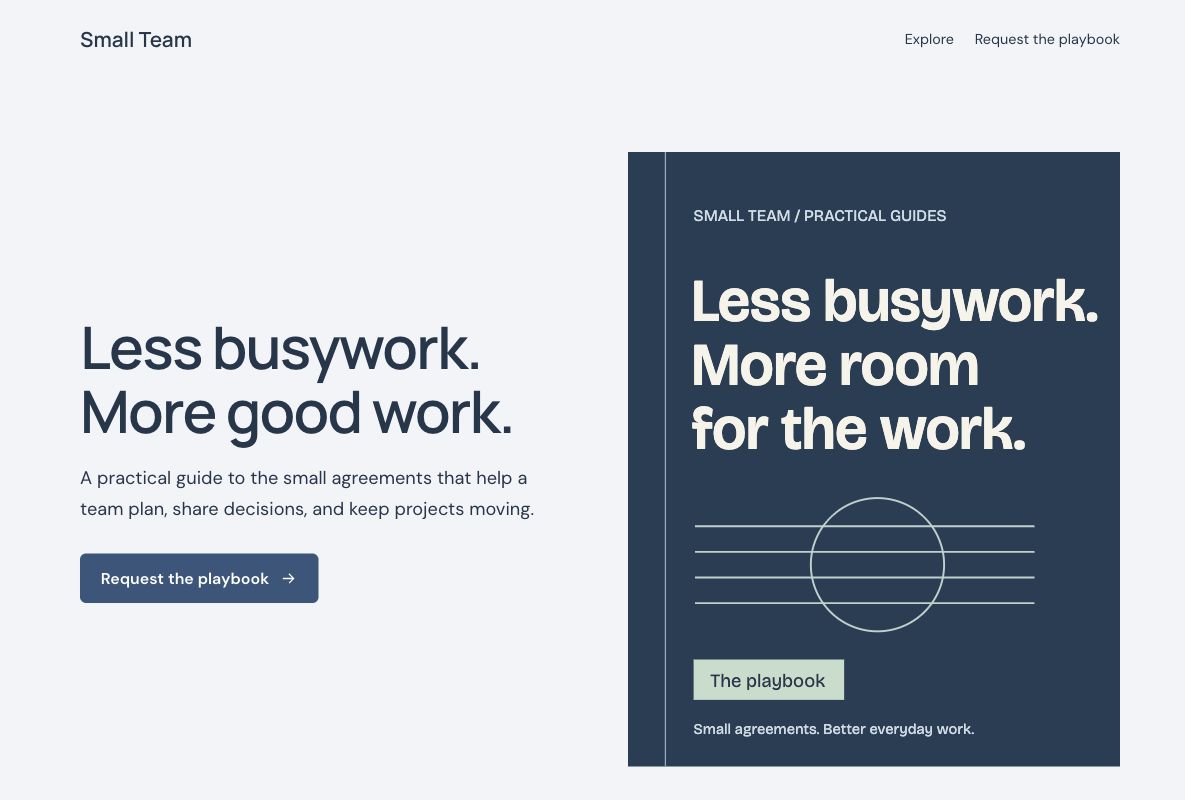
 Make this one yours
An ebook page with a clear resource outline and a short lead form.

Give your resource a clear introduction. Use an ebook or checklist layout to explain what is inside, who it helps, and how to request a copy through your connected form.
Make this one yours
An ebook page with a clear resource outline and a short lead form.
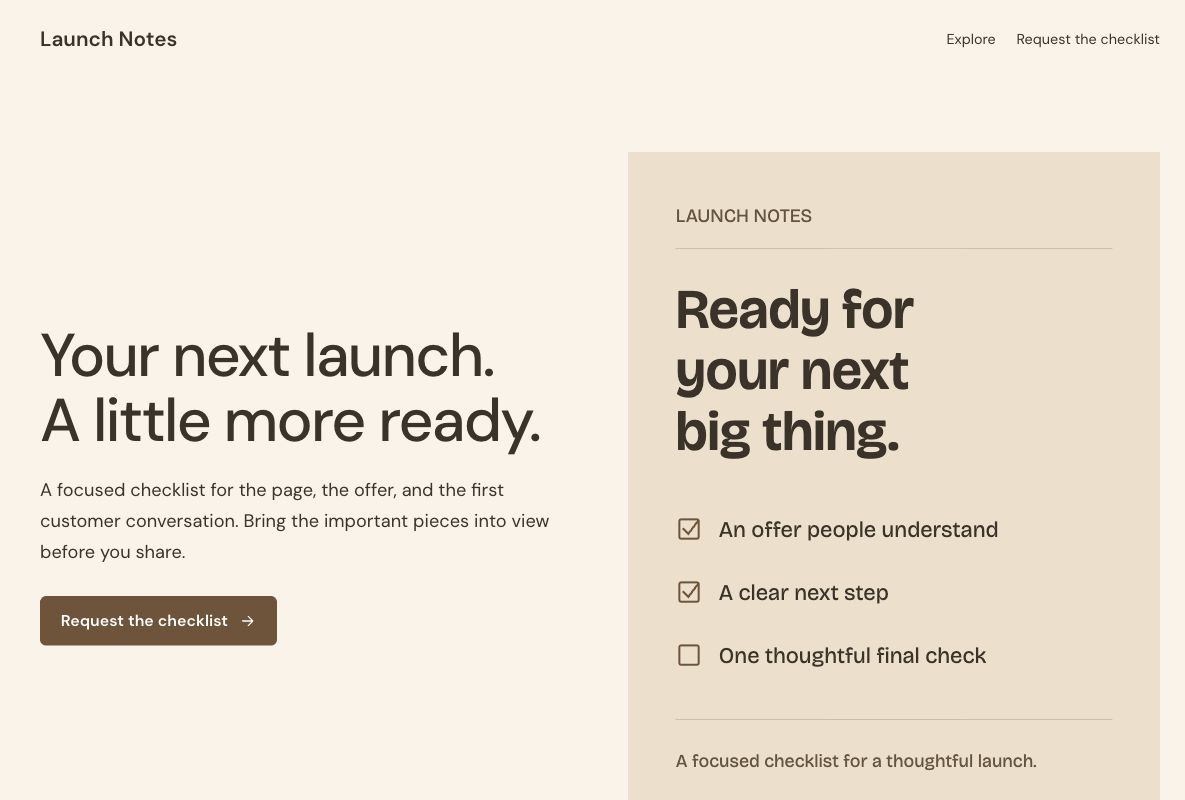 Make this one yours
A compact checklist offer with a visible preview of its topics.
A useful lead magnet page shows more than a cover. Explain the question the resource helps answer and give readers a concrete sense of its contents. Keep the request form short and make the delivery arrangements clear.
Lead capture form templateUse the real title, cover, contents, and author information. Show an excerpt or topic outline that the resource actually contains.
An email address may be enough. Ask for more information only when it is useful and appropriate.
Connect the file or email delivery process you use. A page and form do not automatically send an ebook or subscribe someone to a newsletter.
An ebook landing page introduces a resource and explains how a reader can request it. The resource might be a playbook, checklist, guide, or white paper. The page gives the reader enough detail to decide whether the content is useful before they complete the connected form.
A lead magnet page uses that resource as the reason to begin a relationship. Be clear about the exchange: what the reader will receive, how it arrives, and whether there is an optional ongoing subscription. Requesting a file and joining marketing emails should not be presented as if they were the same action.
Choose the Small Team playbook template when the resource needs an editorial introduction, a contents outline, or an explanation of the problem it addresses. Replace the sample cover and offer with the guide readers will actually receive.
Choose the Launch Checklist template for a concise practical resource with a specific task. Show enough of its contents to make the value recognizable. If the resource is a recurring publication rather than a one-time file, compare newsletter signup templates.
Show the useful work inside the resource instead of relying on a cover alone. Avoid inventing download counts, testimonials, or results. If you describe a checklist as editable, printable, or a particular file format, check that the delivered file actually matches that description.
An email address may be sufficient when it is needed to deliver the resource. Ask for a role, organization, or reason for interest only when you will use that context appropriately. A simple checklist should not unexpectedly require a detailed sales brief.
Review the included questions or begin with the lead capture form template. Explain how contact details will be used and make any additional subscription choice clear. Do not imply that the form is automatically connected to an email list until that workflow is configured.
Keep the title, cover, description, and campaign promise aligned. A useful excerpt can answer a reader's uncertainty more directly than extra required fields. Check the request form and delivery instructions on a phone, including the destination where the file will be opened.
Tag campaign links with the UTM builder and review resource requests alongside page activity. Check successful delivery in the email or file workflow you use. A submitted request is different from a delivered file, and neither by itself establishes that the resource produced a qualified sales conversation.
Choose a delivery process before promising an immediate download. You might use a form ending with the appropriate destination or a configured email workflow. Check access permissions, the file version, and the instructions a new reader will see.
Explore integrations for the services you already use, then test the complete handoff. Keep a copy of the resource available when the campaign is active and update broken destinations. If a reader separately opts into ongoing messages, manage that preference in the email workflow rather than assuming every file request grants it.
Your changes stay in a draft until you publish. Check the page, the form, and the next step before sharing.