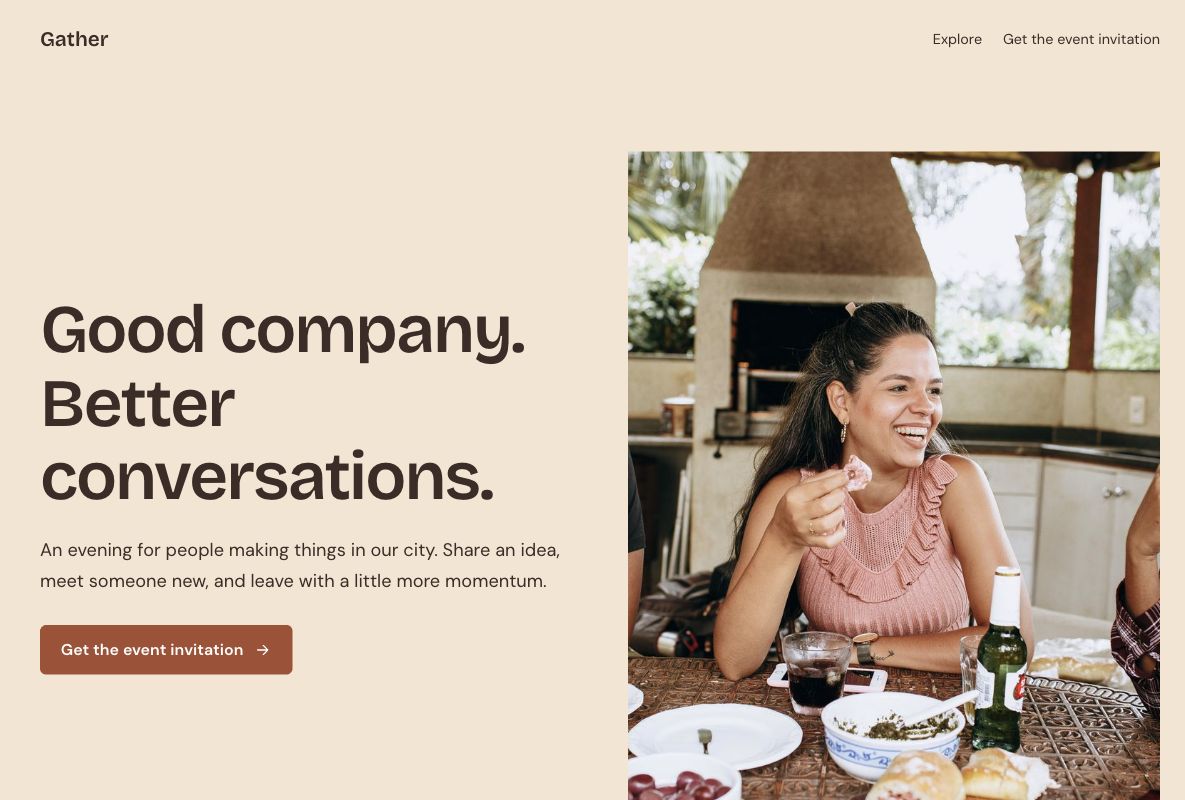
 Make this one yours
A welcoming meetup page with an event outline and RSVP form.

Make the invitation feel like the event. Start with a community gathering or a hands-on workshop, give people the practical details, and collect the information you need to welcome them.
Make this one yours
A welcoming meetup page with an event outline and RSVP form.
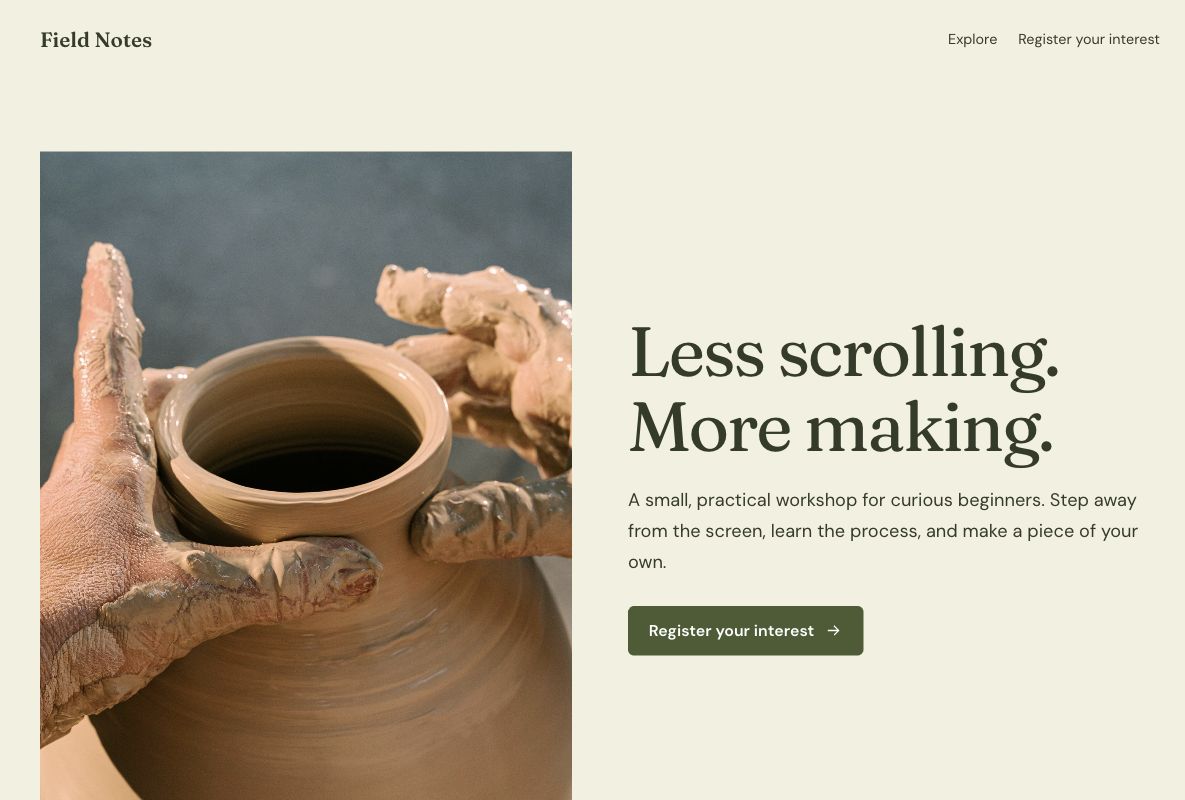 Make this one yours
A tactile workshop invitation with the learning experience and registration in view.
An event page brings the reason to attend and the practical arrangements into one place. Explain who it is for, what will happen, and how to register. Put the real date, venue, access information, and any price where visitors can find them.
Event registration form templateDescribe the experience and audience in concrete terms. Use images from your own event or clearly appropriate licensed photography.
Keep the date, time zone, address or online joining process, accessibility, and attendance requirements current.
Ask for what the host needs. Ticket inventory, payment, reminders, and check-in are separate workflows to configure and test.
An event landing page brings an invitation, practical details, and registration into one place. It helps someone decide whether to attend a meetup, workshop, or community gathering and explains how to take the next step through a connected form.
The page should distinguish an expression of interest from a confirmed place. Use the actual date, location, format, and attendance conditions. Youform hosts the page and collects responses; tickets, capacity management, payment, and check-in depend on the event workflow you set up.
Use the Gather template for a gathering where the people, purpose, and experience are central. Describe who will feel at home, what will happen, and the practical information guests need before registering.
Use the Field Notes template for a more structured learning or making session. Explain the activity, prerequisites, schedule, and anything participants should bring. For an online presentation with a speaker and joining link, compare the webinar landing page templates.
Keep the invitation and the arrangements together. Photographs from a real previous event can help explain the experience when you have permission to use them. A sample photograph should not suggest that the pictured people attended your event.
Collect a name and a reply address, then ask for information the host needs to prepare. A workshop may need a session choice or relevant experience; a community event may need a small number of attendance preferences. Explain why you need an answer and make optional information clearly optional.
Review the design's starting questions or compare event registration form templates. Do not ask for details simply because another event collected them. If the event has limited places, configure a real confirmation process instead of treating every submission as a reserved seat.
Make the reason to attend specific and give practical details before the form. Check the page on a phone, especially when invitations are shared through social posts or messaging. Keep the action aligned with the offer: join a list, request a place, and buy a ticket are different commitments.
Use the UTM builder for invitation links. Review submitted registrations, confirmed places, and actual attendance separately. This helps you see whether the next improvement belongs on the page, in the confirmation process, or in the reminders sent by your event workflow.
Tell the registrant whether their place is confirmed and how they will receive final instructions. Assign an owner to new responses, check any prerequisites, and provide the actual location or joining details through the workflow you use. Make changes to the arrangements clear to existing registrants.
Configure and test reminders, payment, capacity, or check-in with the appropriate services. Explore integrations for connections to your existing tools. An editable event page gives the invitation a home; it does not replace an event operations or ticketing system.
Your changes stay in a draft until you publish. Check the page, the form, and the next step before sharing.