A READY-TO-MAKE-YOURS FORM

Employee Recognition Nomination Form Template

Collect colleague nominations, contribution details, and sharing preferences with this employee recognition form template. Review permission before publishing.

Read the template guide
Use this template Free to customize. No code needed.

THE REAL THING. GO AHEAD, TRY IT.

A LITTLE GUIDANCE

Make the most
of your next ask.

Questions to consider for your employee recognition nomination form

Use these questions as suggestions when editing your copy. Keep the ones that fit your purpose and add any details your process needs.

  • Who would you like to recognize?
  • What specific contribution or action do you appreciate?
  • How did their contribution make a difference?
  • Which quality best describes what they did?
  • Would you prefer this recognition to remain private?

How to use the responses

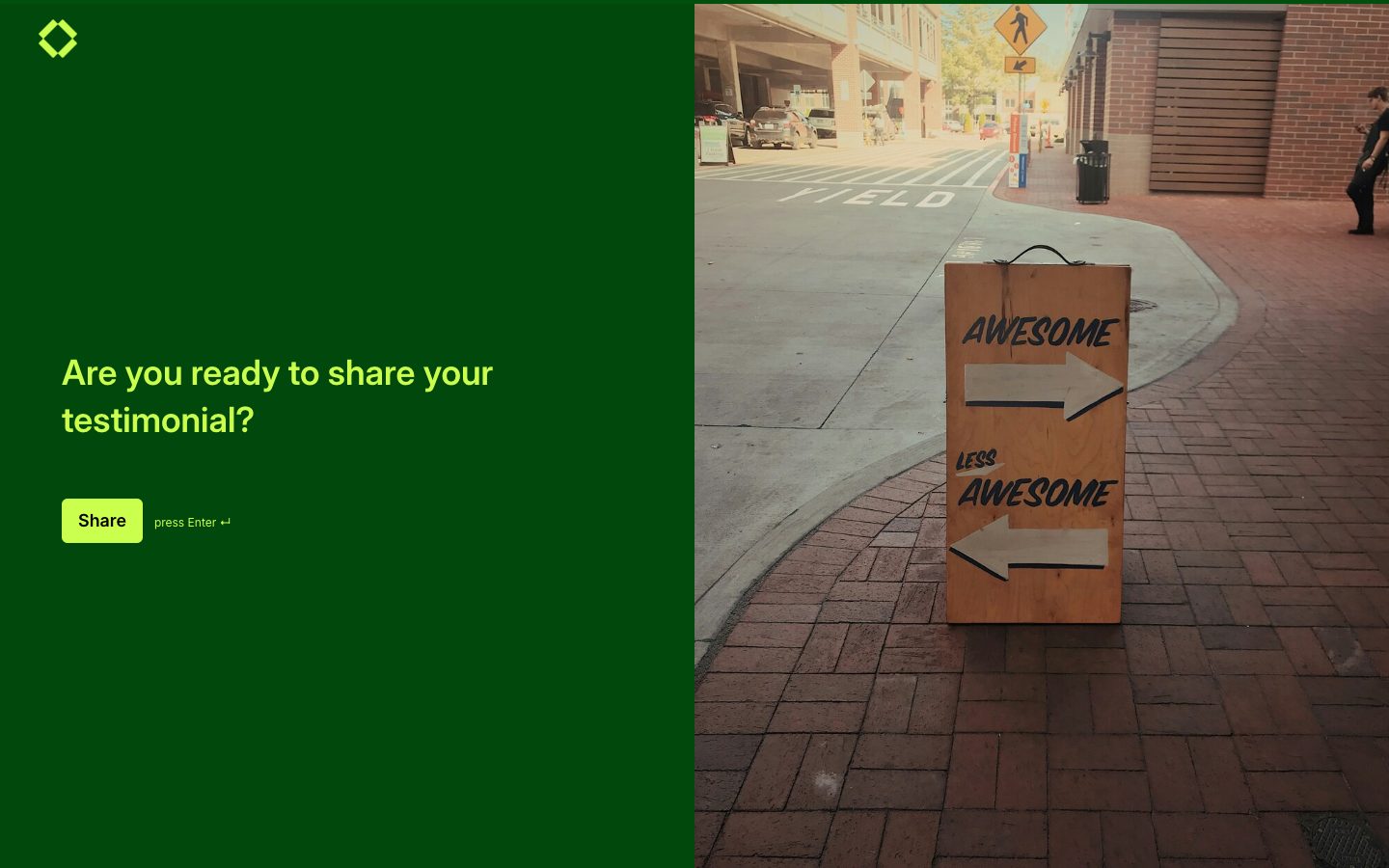
The actual form invites someone to recognize a colleague; it is not a satisfaction-rating survey. It collects the colleague's name, contribution, impact, a quality choice, an optional nominator name, and a public-sharing preference. Ask for relevant examples without confidential client, employee, or project details. Review the wording and attribution before using a nomination in an award, internal announcement, or public post. A nominator selecting public sharing does not replace confirming the colleague's permission and approved wording. Keep private nominations within the intended review process.

How to customize and share this template

  1. Make a copy, then replace the welcome text with the reason you are asking and what happens after submission.
  2. Edit the fields around your process. Require only the information you need to take the next step, and use answer choices when a consistent format helps.
  3. Preview the form on a phone, check every question path, then publish a link or add the form to your website.

Make it yours with Youform

Edit without code

Add or remove questions, move them into order, and choose colors and fonts that fit your website.

Ask relevant follow-ups

Use conditional logic to show a follow-up only when an earlier answer makes it useful.

Keep answers in your workflow

Connect Google Sheets for a shared response list, or use Slack notifications to bring new submissions to your attention.

Start free with unlimited forms and responses, subject to fair use. See Youform plans and features for the details.

Frequently asked questions

Does a public-sharing answer mean I can publish the colleague's story immediately?
Do not assume so. The respondent is nominating another person, who may not have approved the wording, attribution, or audience. Confirm the colleague's permission and the intended use before publishing recognition, and honor a request to keep the submission private.
Can I customize this form template?
Yes. Choose Use this template to make your own copy in Youform. Edit the questions and colors, review the whole flow, then share a link or embed it on your website. See Youform plans for advanced features.
Is this an online form or a downloadable document?
This is an online Youform template. Make a copy, edit it in the builder, and share the published form by link or website embed. The preview lets you see the form before choosing it.
Which questions should I make required?
Require a field when you cannot handle the submission without it. Leave background details optional if they can be discussed later, and explain unusual requests so people know why you are asking.

YOUR WORDS. YOUR COLORS. YOUR NEXT GOOD THING.

A starting point.
Make it your own.

Pick a template, add your personal touch, and put it out into the world.

Create your free form