


For a small business collecting its own customer, employee, or event feedback, Youform is a strong starting choice: unlimited forms and responses, conditional logic, and a useful free plan. It is not a substitute for every research platform. If you need purchased respondents, complex research controls, or a specialist system of record, make that requirement part of the shortlist first.
The seven options here are Youform, Google Forms, Tally, Typeform, Fillout, Jotform, and SurveyMonkey. We compare collection allowance, question flow, data handoff, and the point where a different plan or category of tool is needed. This is a business survey guide, not a list of apps that pay people to answer surveys.
Research method and disclosure: Youform publishes this article. We reviewed the linked official pages on November 10, 2026; this is a documentation-based comparison, not a hands-on benchmark or a claim that we tested every paid feature. “Best for” labels are our fit judgments, not measured performance rankings.
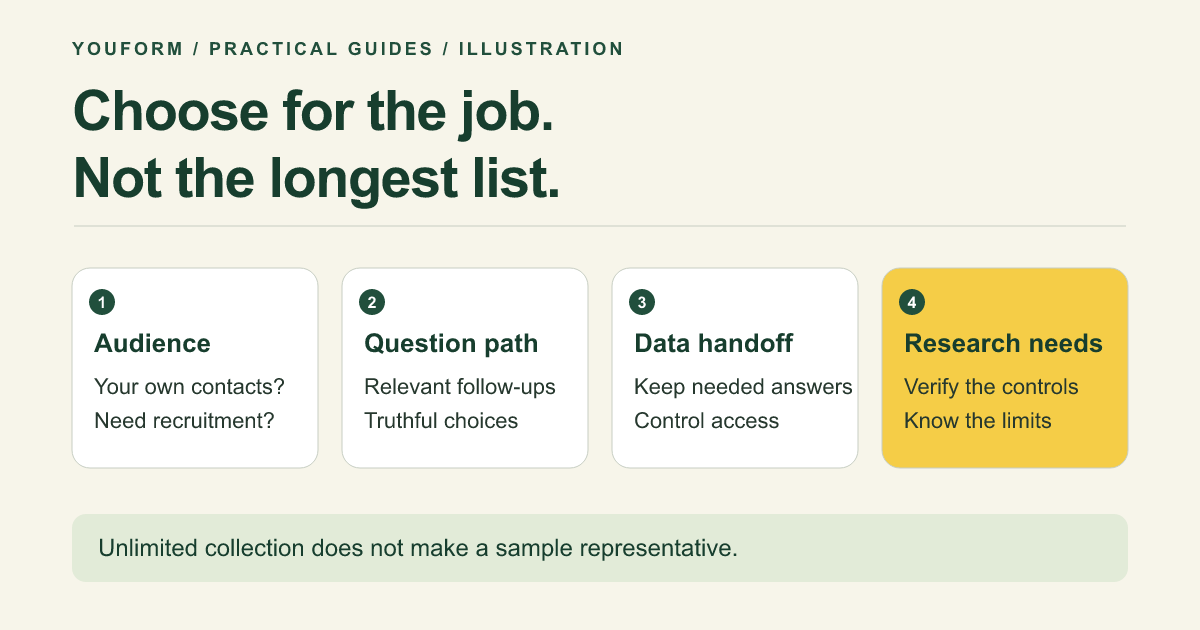
Best survey software by the job
| Software | Consider it for | Free collection model | Important boundary |
|---|---|---|---|
| Youform | Business feedback without a monthly response cap | Unlimited forms and responses, subject to fair use | Branding removal, partial submissions, and advanced form analytics are paid |
| Google Forms | A familiar Google-based collection and Sheets workflow | Available for personal Google accounts; business governance depends on Workspace setup | Check account access, uploads, sharing, and the analysis you need |
| Tally | Document-style forms with unlimited free collection | Unlimited forms and submissions under fair-use guidelines | Domains, branding removal, and partial submissions require Pro |
| Typeform | An established Typeform experience and integration workflow | Help page lists 10 monthly responses across forms | Paid response allowances and account-specific terms matter |
| Fillout | Feedback or intake linked to existing database records | 1,000 responses per month | Verify record permissions and the exact paid capabilities required |
| Jotform | A broad form-template and operational workflow shortlist | 5 forms and 100 monthly submissions on Starter | Views, upload space, and stored submissions have separate limits |
| SurveyMonkey | A dedicated survey workflow with paid research and reporting options | Basic limits the responses viewable per survey | Logic, export, reports, and purchased audience may require separate spend |
These are not equivalent bundles. A response cap can prevent a free plan from covering your study; an unlimited form builder can still lack a required research control. Verify the current plan for your account and region before buying.
1. Youform: recurring business feedback without a response-volume upgrade
Youform makes sense when your next step is a customer satisfaction survey, employee pulse, event debrief, or market-research questionnaire for an audience you can already reach. Its Free plan includes conditional logic, calculations, and data connections alongside unlimited forms and responses.
The business value is straightforward: you can run a first round and a follow-up without selecting a larger response allowance. Use a template, edit the questions, and connect a controlled review workflow. A conversational interface is useful presentation, not evidence of a guaranteed completion-rate increase.
Data and upgrade check: Google Sheets, Slack, Zapier, and webhooks are listed in the plan data. Pro adds branding removal, custom domains, partial submissions, and advanced form analytics. Monthly Pro is $29, with annual billing of $240. Youform does not supply a respondent panel or automatically validate a survey instrument.
2. Google Forms: a familiar route into a spreadsheet
Google Forms is worth considering when your organization already works in Google and needs a straightforward internal or customer questionnaire. Google documents automated response charts, Sheets export, and collaborative review.
Flow and data check: verify the exact sharing and sign-in behavior for your audience, especially when uploads or account restrictions are involved. A form that works for employees may not work the same way for an external customer. Review the connected sheet's access separately.
Choose differently when: a distinct client-facing presentation, a particular routing requirement, or a non-Google workflow is central. Do not buy a new platform only because it has more features than a simple survey needs.
3. Tally: document-style editing with unlimited collection
Tally combines a document-style form approach with free unlimited forms and submissions under fair-use guidelines. The listed free capabilities include logic, calculations, signatures, uploads, and connections to tools such as Google Sheets.
Flow and upgrade check: try how your questions read together and where a page break helps. Pro is needed for branding removal, custom domains, and partial submissions. Tally is a genuine unlimited-free alternative; Youform's distinction is not exclusive ownership of that model.
For a survey with several related questions on one page, compare the respondent experience with the one-question-at-a-time path you might use in Youform. The right format depends on the questionnaire, not a universal rule that shorter screens always win.
4. Typeform: a familiar experience with plan-based response allowances
Typeform's Free documentation includes branching, calculations, and export, but lists only 10 responses per month across forms. Do not confuse an unlimited number of forms with unlimited responses.
Flow and handoff check: Typeform documents a native Google Sheets connection. Verify any other integration and required plan instead of assuming that a popular logo proves the exact workflow exists.
Upgrade decision: keep Typeform when the experience and existing setup justify the relevant paid plan. If the response allowance is the main reason you are paying, review Youform vs Typeform and assess one replacement form before moving a whole program.
5. Fillout: forms connected to a record-based workflow
Fillout's Free plan lists 1,000 monthly responses, multi-page forms, logic, calculations, and uploads. It is a relevant shortlist candidate when a survey or intake form is part of a database process.
Data check: its Airtable update guide covers editing an existing record, which is different from simply appending a row to a spreadsheet. Check what information is prefilled and which respondent can see or change it.
Upgrade decision: price the required features and volume, then test the record matching. A database-linked form may solve an operational requirement a standalone survey tool does not address.
6. Jotform: a broad form-building and intake shortlist
Jotform is worth reviewing when your survey sits alongside applications, intake, or other operational forms. Its template library offers many starting points, but a template's existence does not establish that its questions fit your research decision.
Allowance and data check: Starter documentation lists five forms, 100 monthly submissions, and separate limits for uploads and stored submissions. Check all relevant units if your survey collects files.
Upgrade decision: use current pricing for the exact workflow rather than comparing a paid operational bundle with another product's free response collection alone.
7. SurveyMonkey: a dedicated survey platform with paid research options
SurveyMonkey belongs on a serious shortlist when research controls, survey reporting, or access to a purchased audience matter. Its official plan guide distinguishes Basic from paid logic, export, and custom reports; higher plans include more advanced controls.
Allowance and upgrade check: Basic limits the number of responses viewable per survey. The documentation does not present one universal allowance for every account, so confirm yours before collecting data you need to access. Its pricing page states that SurveyMonkey Audience responses are sold separately.
If your actual need is a simple feedback form for your existing customers, those additional research capabilities may not justify the extra purchase. If they are requirements, do not substitute unlimited collection for them without checking the gap.
Requirements that change the recommendation
- You need respondents, not just a form. Plan recruitment or evaluate a panel. A free builder does not create a representative audience.
- You need a validated employee measure. Check the instrument, scoring, administration, and benchmark rights; a rating field is not validation.
- You need advanced research controls. Write down the specific randomization, quota, analysis, or governance requirements and verify them directly.
- You collect regulated or sensitive data. Review contractual, access, retention, and jurisdiction requirements before choosing a product or plan.
- You already have a reliable workflow. Include migration work, retraining, and integration maintenance in the decision.
Evaluate one real questionnaire before buying
Take a short survey from your actual use case, use synthetic data in an authorized test environment, and check four things: can the intended respondent answer on a phone, can each branch be completed, can your team access the answers it needs, and can the result support the planned decision?
For a customer pulse, try the three-question satisfaction starter. For internal feedback, use the employee question bank. Assess the complete workflow before optimizing the appearance of the first screen.
Our recommendation: start with Youform Free for general business feedback when you can reach your own audience. Choose a specialist or more complex platform when a verified requirement demands it. That is a more useful purchase rule than declaring one product best for every survey.
Survey software FAQs
What is the best free survey software?
For unlimited collection, shortlist Youform and Tally, then compare the editing experience, question flow, and required paid features. Google Forms may be sufficient for a familiar Google workflow. Free collection does not mean every feature is free.
Is survey software different from a form builder?
The categories overlap. A form builder can collect survey answers; a dedicated research platform may add sampling, advanced controls, or reporting. Decide which of those capabilities the study actually requires.
Does a better-looking survey guarantee more responses?
No. Presentation is one part of the experience. Audience, relevance, timing, question design, trust, and distribution also matter. This comparison does not claim a measured response-rate advantage.